
Using this program you can create personalized greeting cards for various occasions such as birthdays, anniversaries, holidays, weddings and other events.

Greeting Card Studio
ver. 5.43
10,9 Mb (downloads: 1)
Update date:
27.08.2023
Developer:
AMS Software
Windows version:
Windows XP
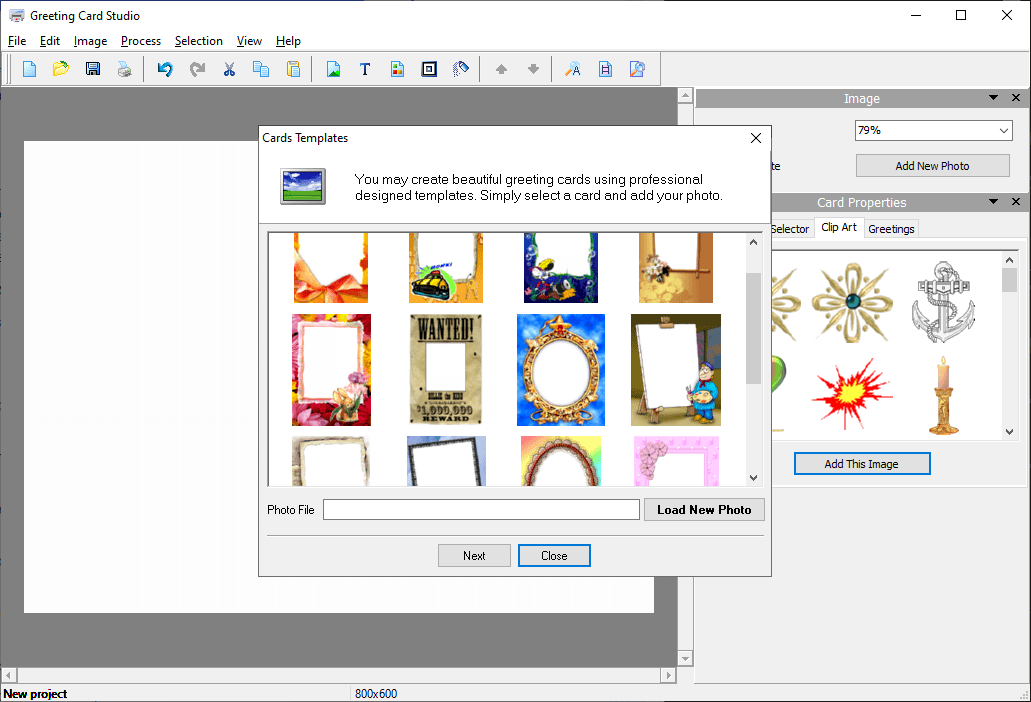
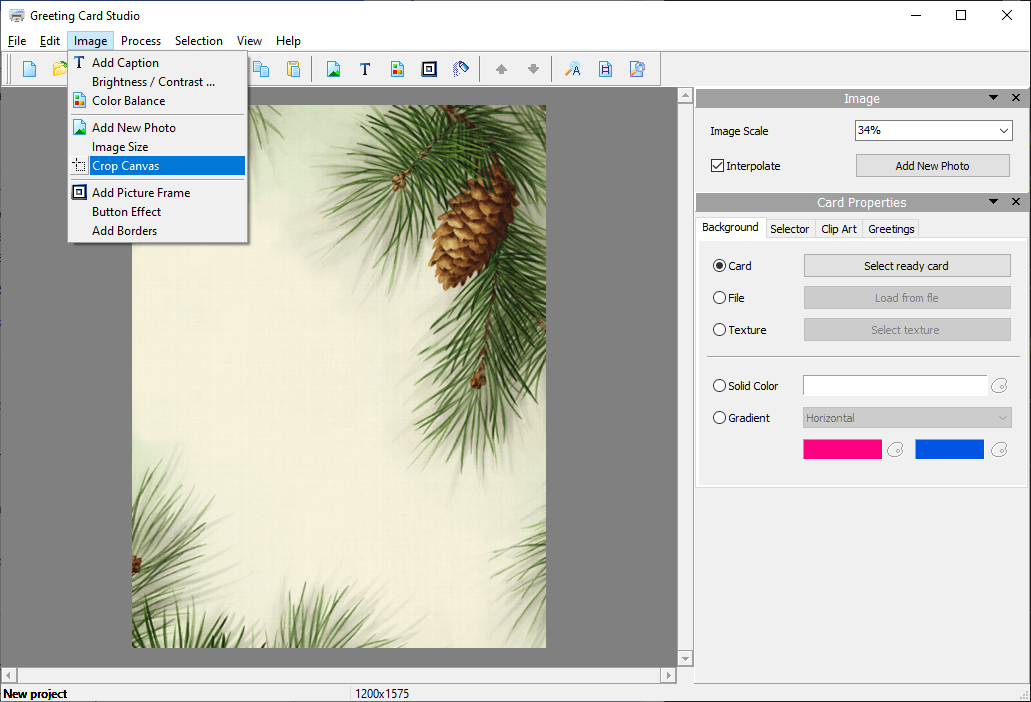
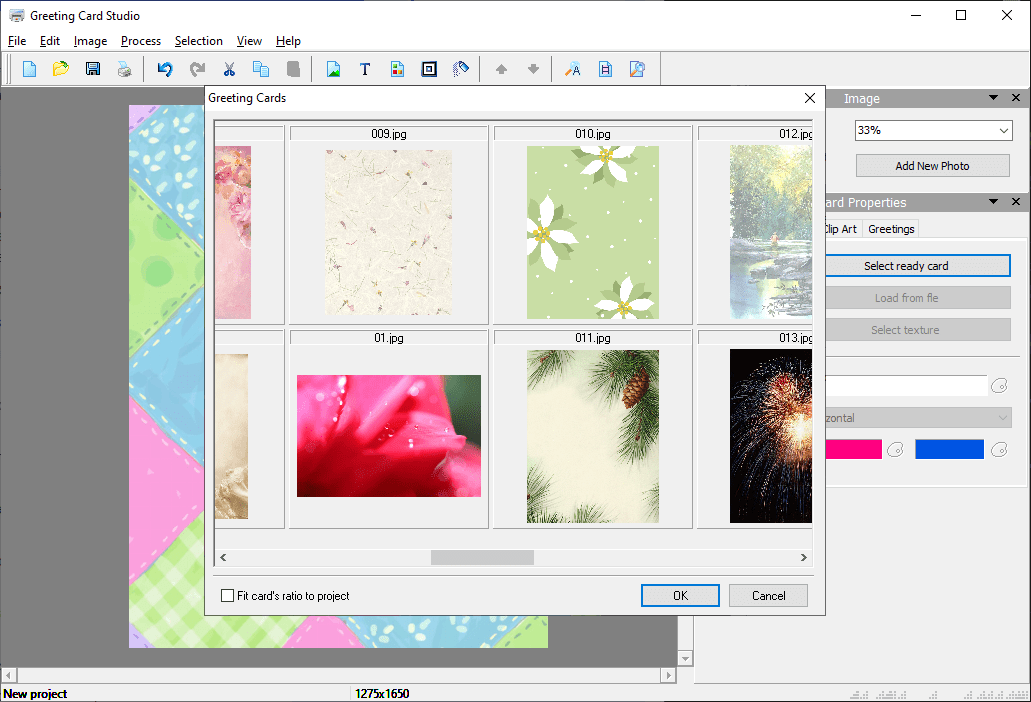
Greeting Card Studio is a Windows graphics editor for designing custom invitations, greeting cards and other similar projects. There is a large collection of premade templates to choose from. Users can add photos, text inscriptions, clipart images, shapes and other elements to the layout.
Card design
After starting the utility you are able to select the required template or begin creating the card from scratch. There are flexible background settings. Additionally, it is possible to add clipart graphics from the included library. Tools for inserting text blocks with customizable font parameters are provided as well.
Users can apply shadows, gradients, textures and borders to any element of the card. Moreover, there are instruments for drawing various geometrical shapes.
Please note that the free trial version of Greeting Card Studio offers users limited functionality. Other solutions with similar capabilities like Microsoft Greetings Workshop are available for download.
Export
Resulting images can be saved to the hard drive in several formats, including JPEG, PNG, BMP and TIFF. Options to share the card via email or upload the project to social media are provided. Alternatively, you are able to send the picture to any connected printer. The paper size, format and quality are adjustable.
Features
- free to download and use;
- offers you a simple graphics editor for quickly creating greeting cards;
- there is a large selection of templates for various occasions;
- users can add shapes, text blocks and photos to the layout;
- compatible with all modern versions of Windows.
10,9 Mb (downloads: 1)


