
With this compact multimedia player, you are able to view movies, listen to songs and preview photos. Moreover, it is possible to customize the interface appearance.

GOM Player
ver. 2.3.79.5344
29,5 Mb (downloads: 24)
Update date:
20.09.2022
Developer:
GOM & Company
Windows version:
Windows 7, Windows 8, Windows 10, Windows 11
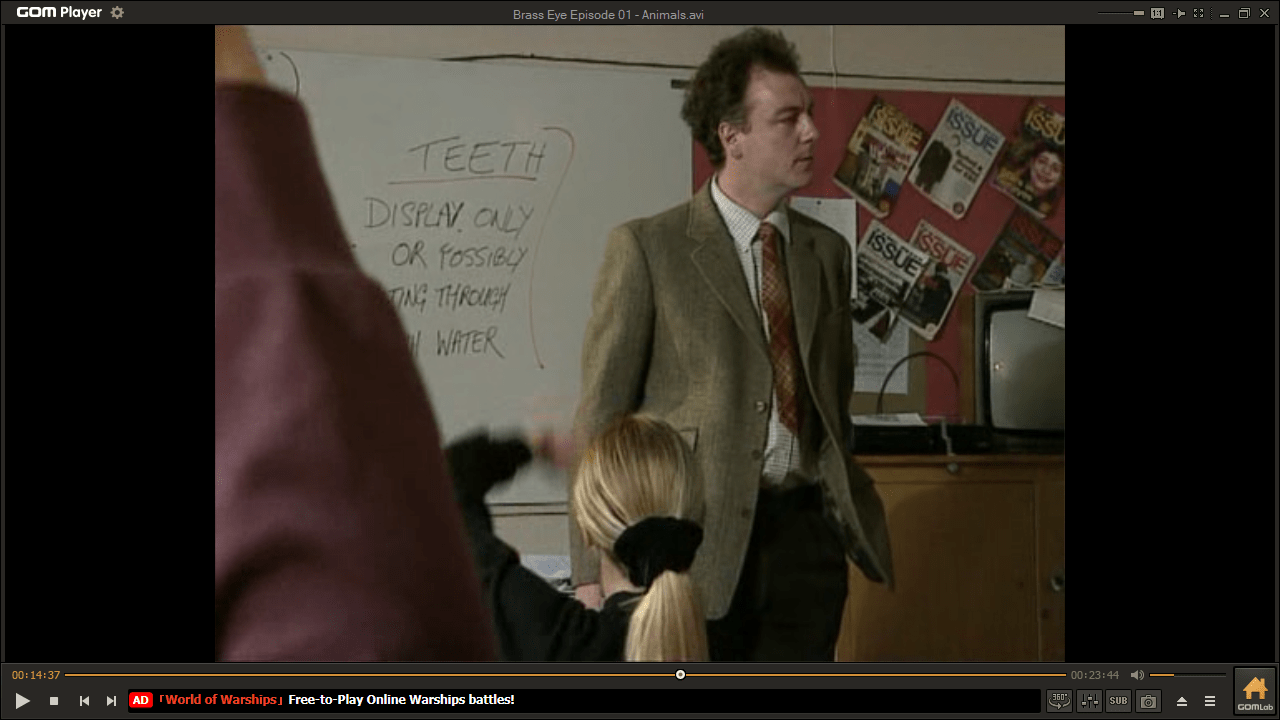

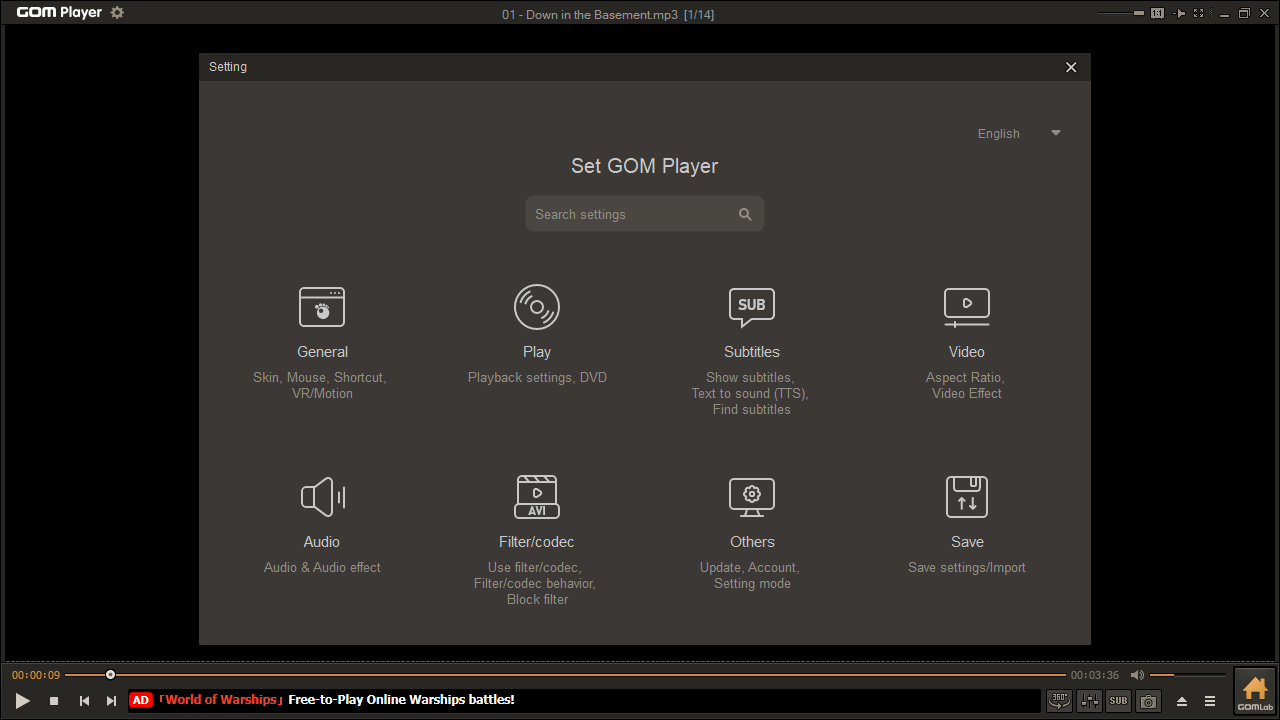
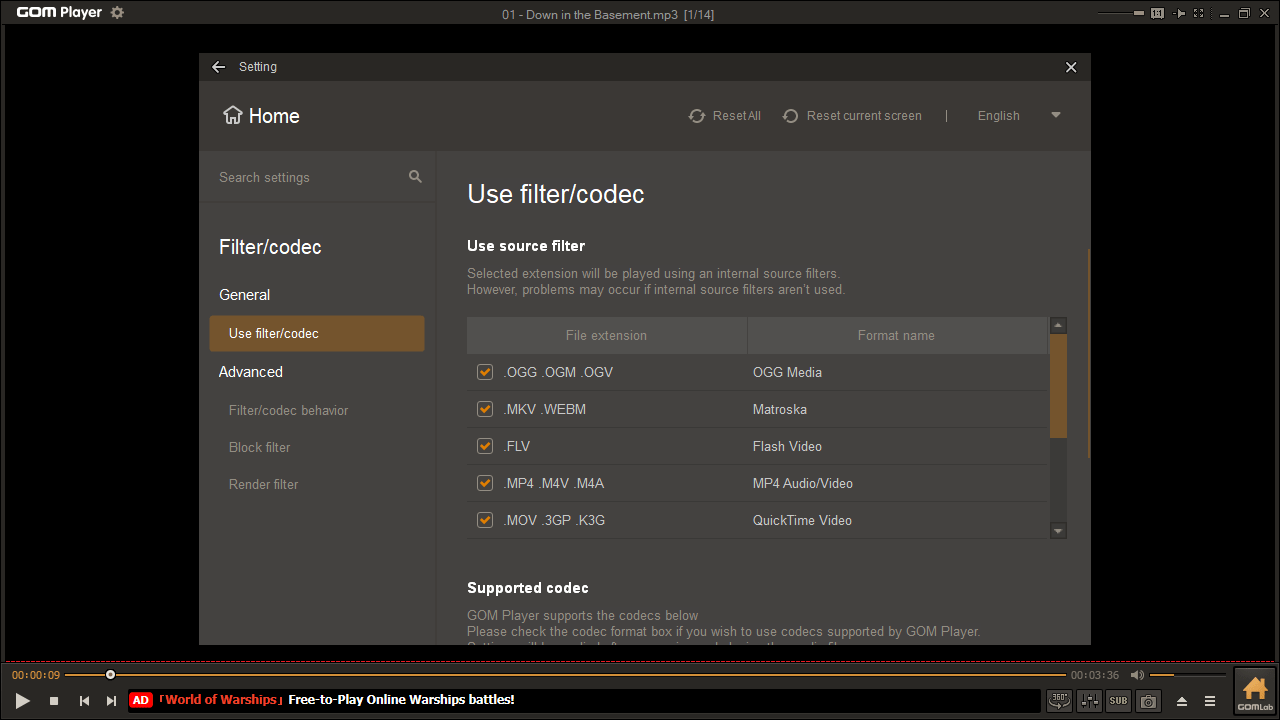
GOM Player is a lightweight program for Windows that enables users to play different audio and video files. It is also necessary to mention that the software comes with a set of integrated multimedia codecs.
Brief review
The application provides a wide range of functions. For example, if you try to play a file format that is not supported, the utility will activate the Codec Finder service to find and install the missing components. Similar to BSPlayer, you can use the in-built search tool to quickly locate and add subtitles to your videos, by linking with various online subtitle databases.
Besides viewing movies and listening to music, you have the ability to take screenshots. What is more, you can apply various filters and special effects. It is also possible to adjust the saturation and brightness levels.
Interface layout
The graphical user interface comes with a small set of themes that you are able to apply from the Skin Tab located in the General menu. You may also notice the minimal amount of on-screen controls. This means that you will need to get used to the program’s comprehensive menu system. That said, almost all functions can be accessed by either right-clicking the main window or via hotkeys.
Features
- free to download and use;
- compatible with modern Windows versions;
- allows you to play different audio and video files;
- comes with library of multimedia codecs;
- you can control the program via hotkeys;
- it is possible to customize the appearance.
29,5 Mb (downloads: 24)


