
With the help of this program users can modify the data files for the Empire: Total War video game. Moreover, there is an option to edit saves and apply cheats.

EsfEditor
ver. 1.4.5
0,1 Mb (downloads: 1105)
Update date:
06.08.2022
Developer:
erasmus777
Windows version:
Windows XP, Windows Vista, Windows 7, Windows 8, Windows 8.1, Windows 10
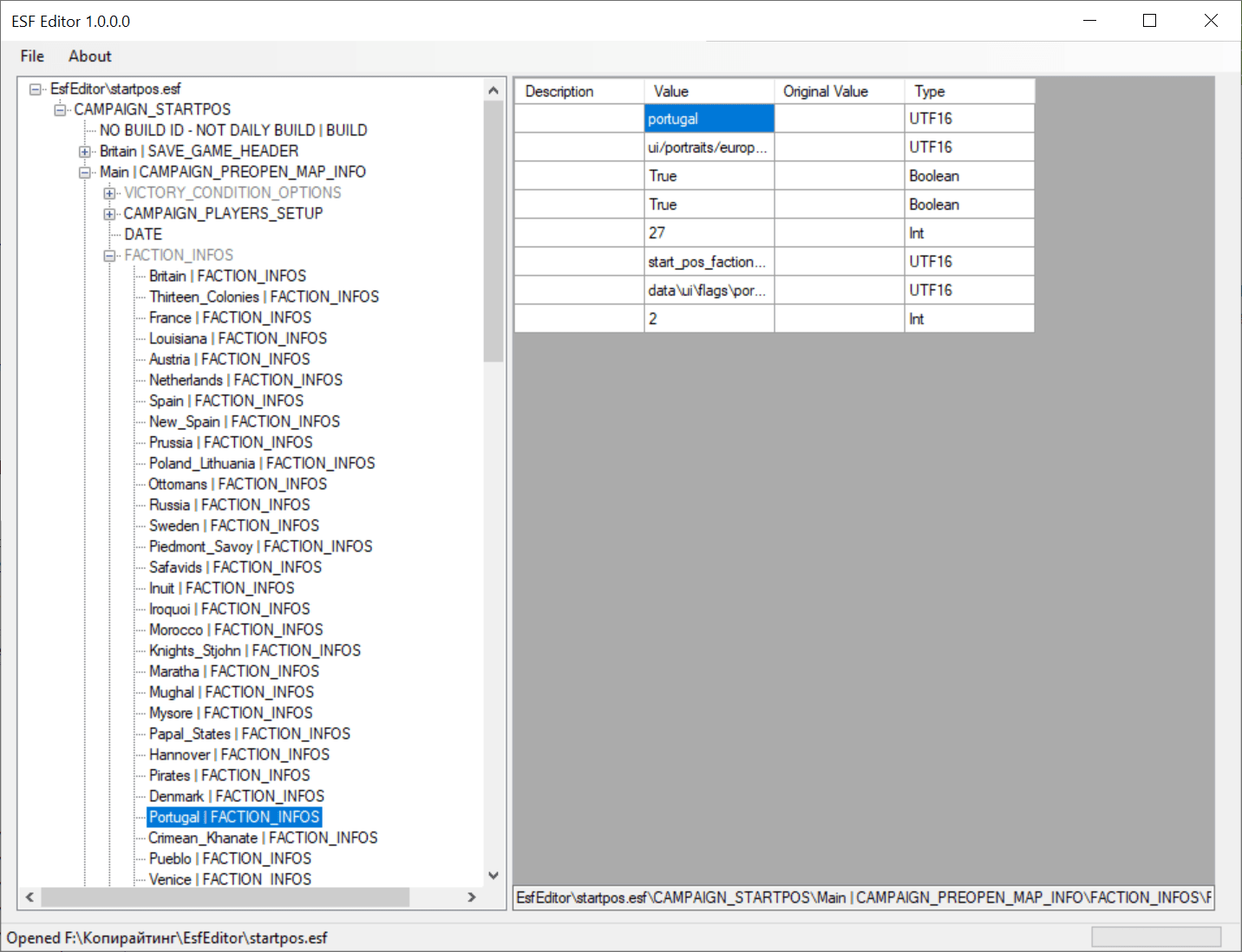
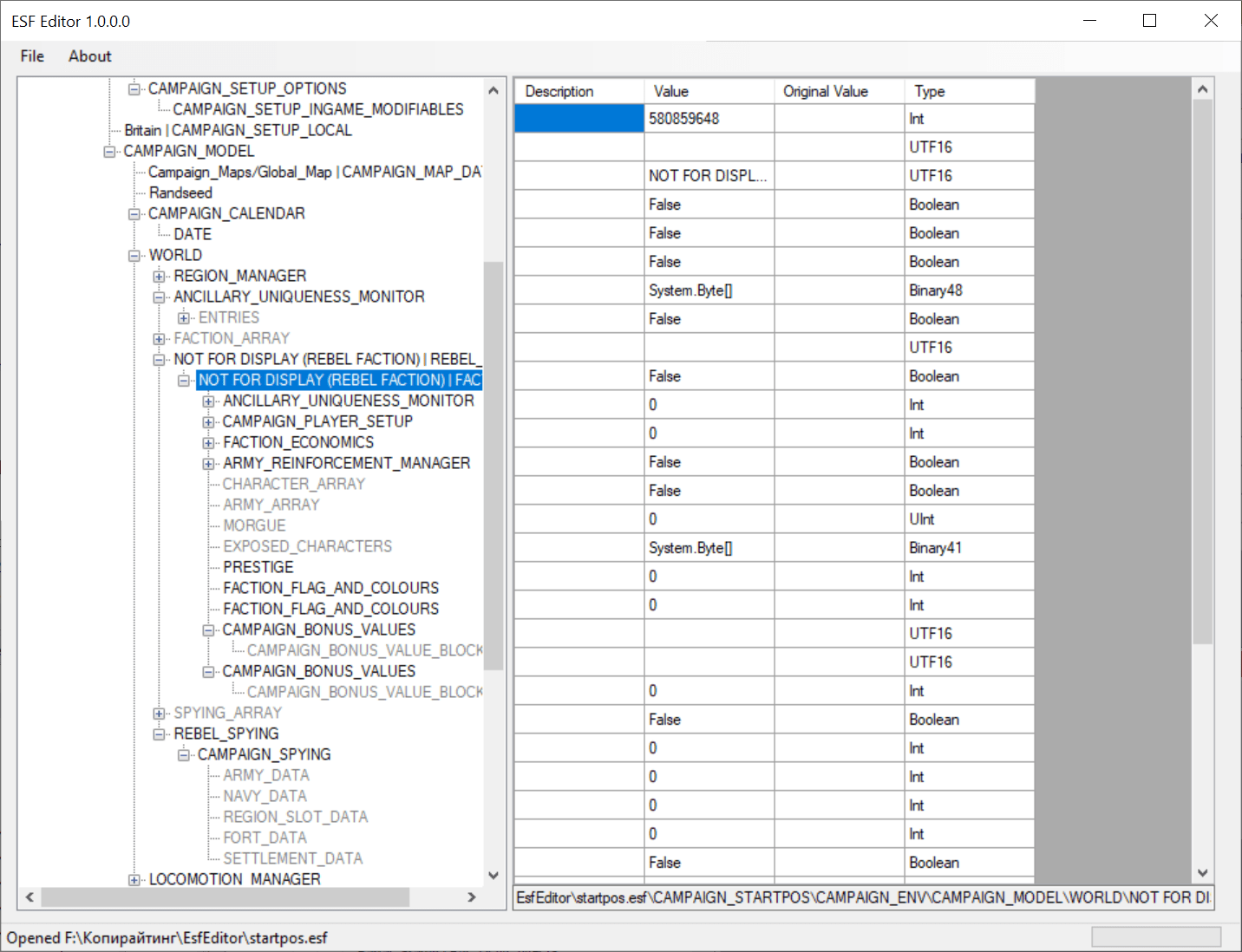
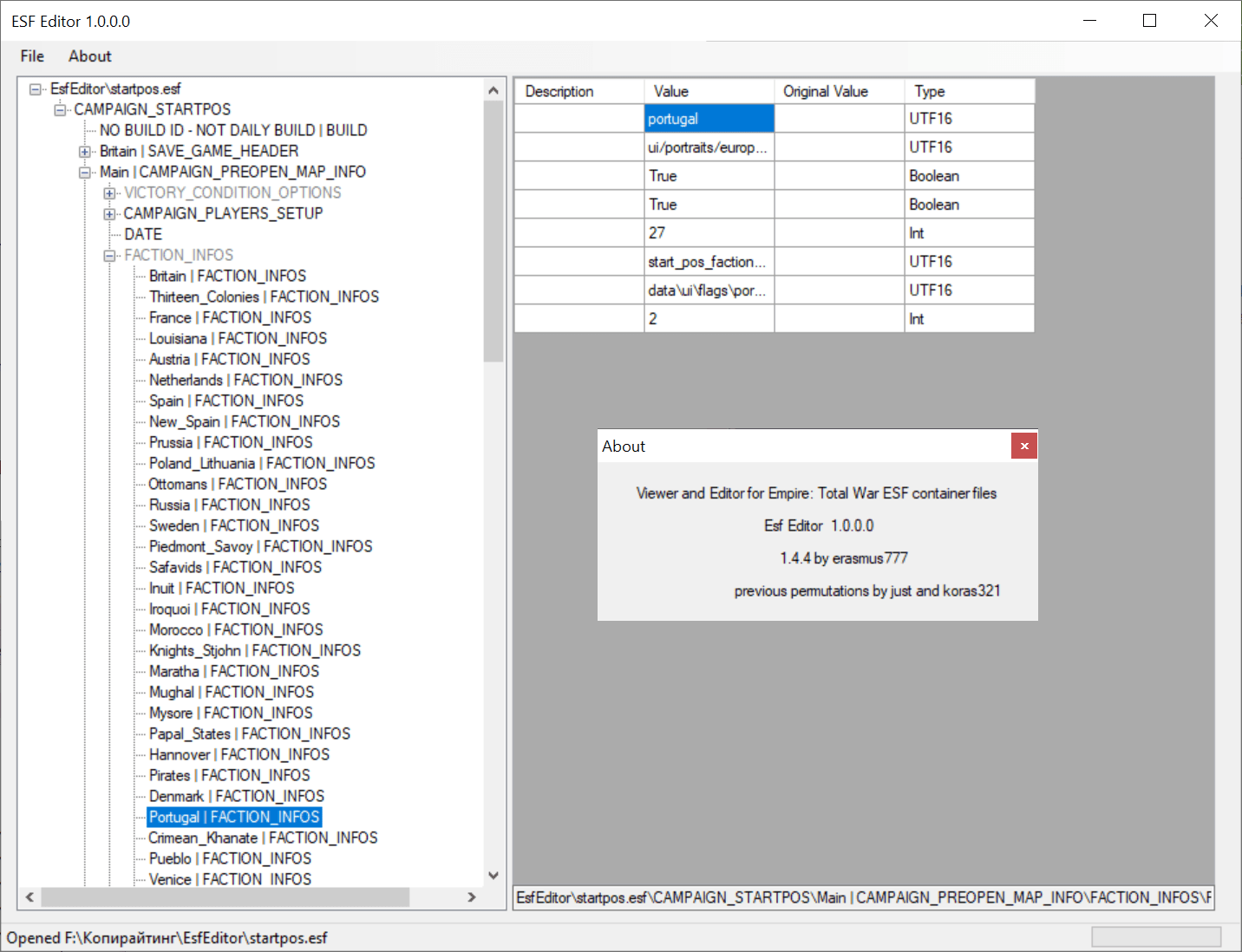
EsfEditor is a Windows utility that lets you change in-game parameters for Empire: Total War by editing files in ESF format. The tool can be used for creating mods.
About Empire: Total War mods
This program is intended to help users work with ESF files containing game settings and other data. These files as mentioned before are necessary to apply some changes to in-game parameters for a popular game Empire: Total War.
Main functionality
The application offers two types of files for editing: ESF data tables and savegames.
When you modify an ESF file, all the changes will be permanently applied to the gameplay process. This way it is possible to create mods with gameplay scenarios impossible in the original version.
Altering save data lets you modify only the specific game session to insert cheats and boost the in-game statistics. For cheating in another popular title, Minecraft, you can download the tool called Wurst.
After opening a file you will be presented with the tree-style list of all the included parameters. Clicking on any of them will open a panel that contains descriptions, types and values for gameplay components. It is possible to edit them to your liking and save the file to insert the changes into the game.
Features
- lets users create game mods for Empire: Total War;
- supports ESF file format;
- provides an option for applying cheats to save files;
- free to use and download;
- compatible with all modern versions of Windows.
0,1 Mb (downloads: 1105)


