
This software is intended for converting bitmap images to editable charts and diagrams. There is support for JPG, PNG, BMP and other common file formats.

Engauge Digitizer
ver. 12.1
18,7 Mb (downloads: 87)
Update date:
28.11.2022
Developer:
Mark Mitchell
Windows version:
Windows Vista, Windows 7, Windows 8, Windows 8.1, Windows 10, Windows 11
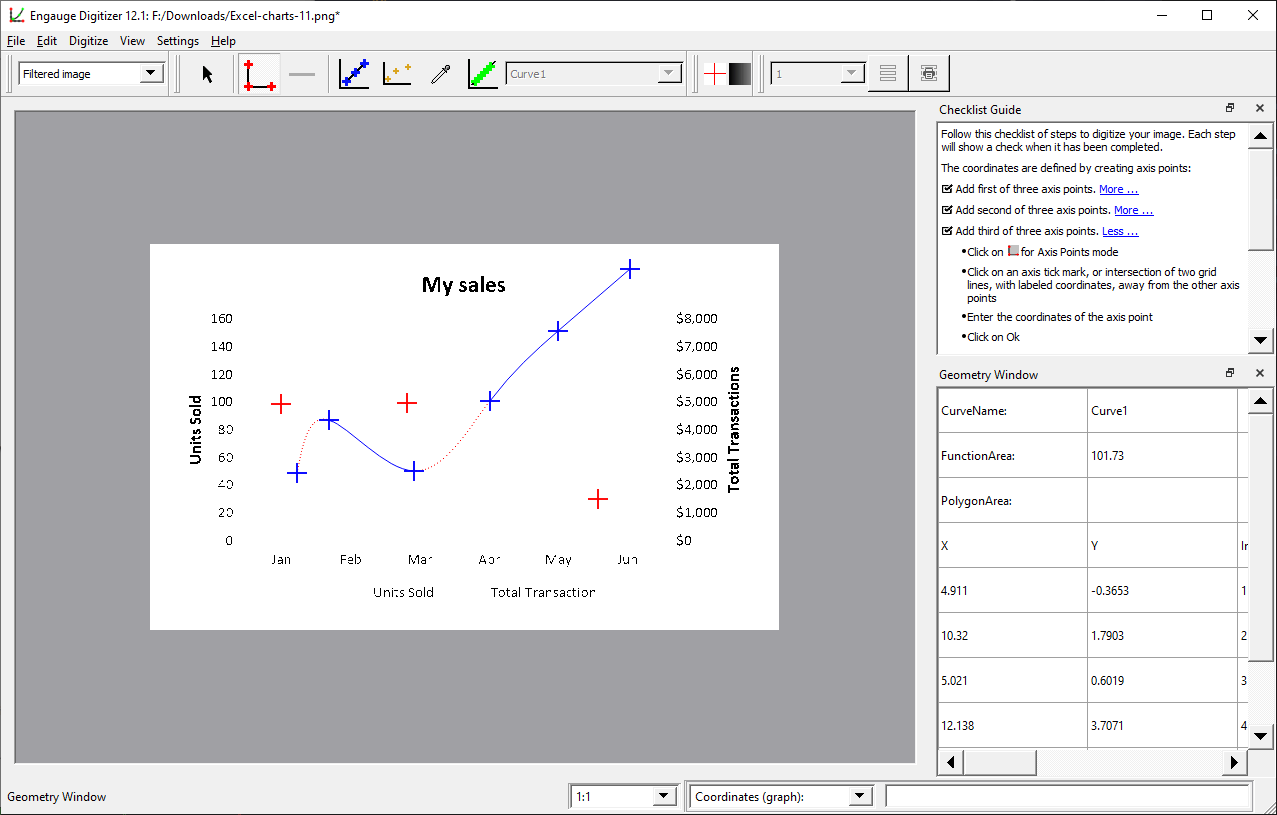

Engauge Digitizer is a Windows application that lets you process images with various charts and diagrams to transform them into an editable form.
Conversion process
This program contains a simple wizard tool that can help inexperienced users. After importing a compatible image it is possible to edit the amount of curves and choose their type. The next step is to specify the axis points for drawing the graph.
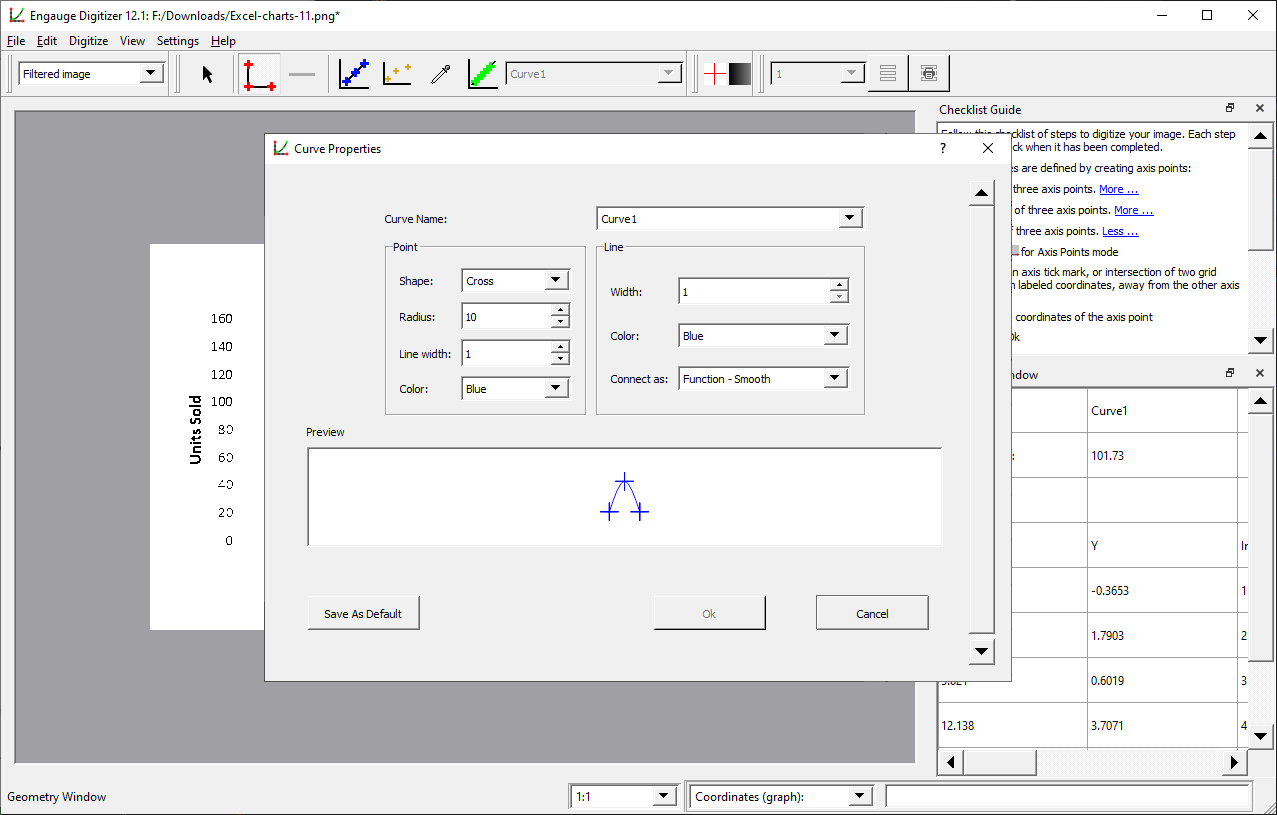
There are instruments for customizing the background image. Curve properties such as the shape, radius, line width and color are adjustable. Moreover, you can convert drawn lines to editable vectors.
Users are able to toggle the visibility of the background and curves. Additionally, there are options for hiding or showing various interface elements such as the status bar or grid lines.
Export parameters
The resulting graph can be saved in the proprietary DIG format and edited later. Alternatively, you are able to export the project to a standard CSV file for transferring the image to Autograph or another similar utility. Advanced format settings for axis interpolation are provided as well.
Features
- free to download and use;
- offers you instruments for converting images to editable graphs and charts;
- there is support for all multiple common file formats;
- background customization options are included;
- users can export the project to a CSV file for further editing;
- compatible with modern versions of Windows.
18,7 Mb (downloads: 87)


