
Using this software you can create custom screensavers from personal photos, Flash animations and audio files. There is a collection of frame transition effects.

Easy ScreenSaver Studio
ver. 5.7
2,1 Mb (downloads: 1)
Update date:
04.08.2023
Developer:
DDSoft
Windows version:
Windows XP
Easy ScreenSaver Studio is a Windows application for building unique screensavers. Users are able to import images in the JPG, PNG or BMP formats. Moreover, it is possible to add background music to the project. Resulting screensavers can be exported as SCR, EXE or SSD files.
Design process
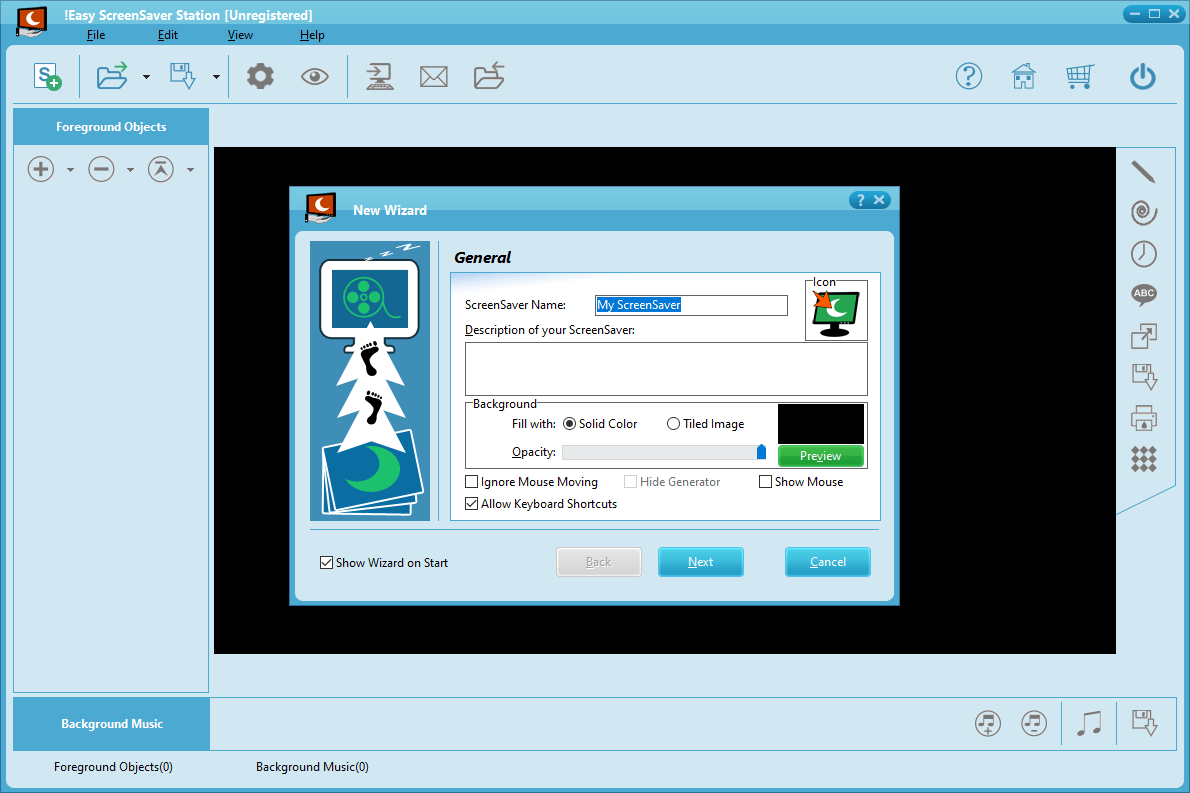
After starting the program you are prompted to enter the name and description of the screensaver. There is a slider for adjusting the opacity of the background. Checkboxes for ignoring mouse movements and allowing keyboard shortcuts are included as well.
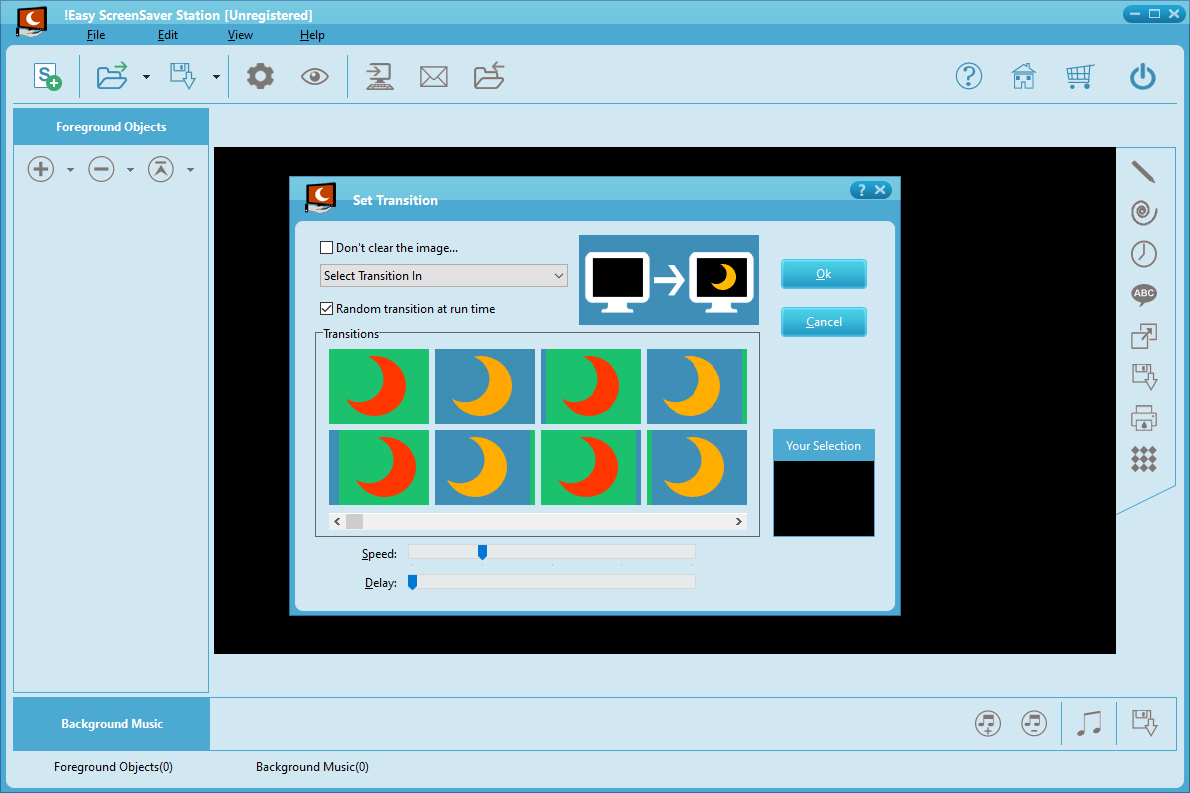
Users can import foreground images by dragging and dropping them into the main window. A library of more than 160 frame transition effects is available. It is possible to change the speed and delay time for every individual picture.
Like Sony DVD Architect Studio, this utility allows you to add background music from MP3, MID, WAV or WMA files. The output volume as well as order of the tracks can be adjusted.
Please note that the free trial version of Easy ScreenSaver Studio will expire 30 days after installation.
Security
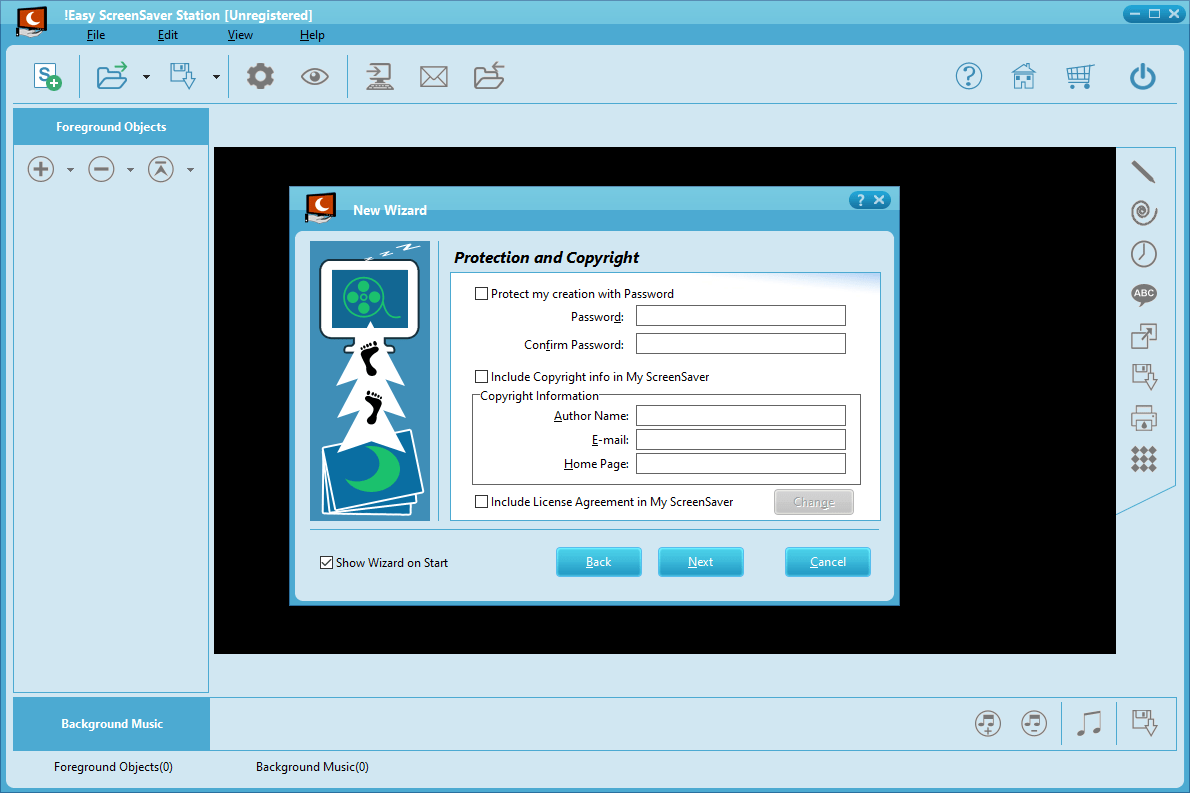
There is an option to set a password to prevent unauthorized access to the computer while the screensaver is active. This functionality is helpful for protecting personal information on a publicly available machine.
Features
- free to download and use;
- offers you instruments for creating screensavers from personal photos;
- it is possible to tune the background opacity;
- users can set a password for preventing unauthorized access to the device;
- compatible with all modern versions of Windows.
2,1 Mb (downloads: 1)


