
Thanks to this piece of software, users are able to design animated clips in GIF format. Moreover, it is possible to export projects as AVI or Flash files.

Easy GIF Animator
ver. 7.3
23,1 Mb (downloads: 1)
Update date:
05.03.2023
Developer:
Blumentals Software
Windows version:
Windows XP, Windows Vista, Windows 7, Windows 8, Windows 10
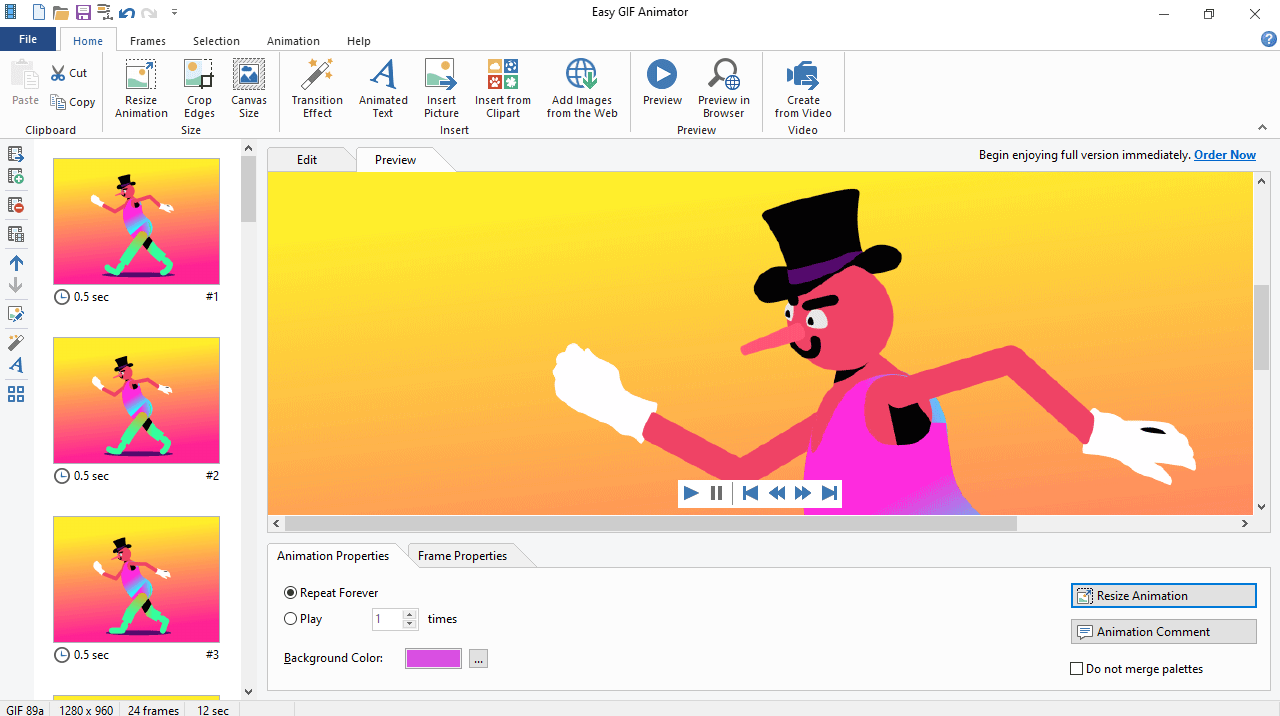
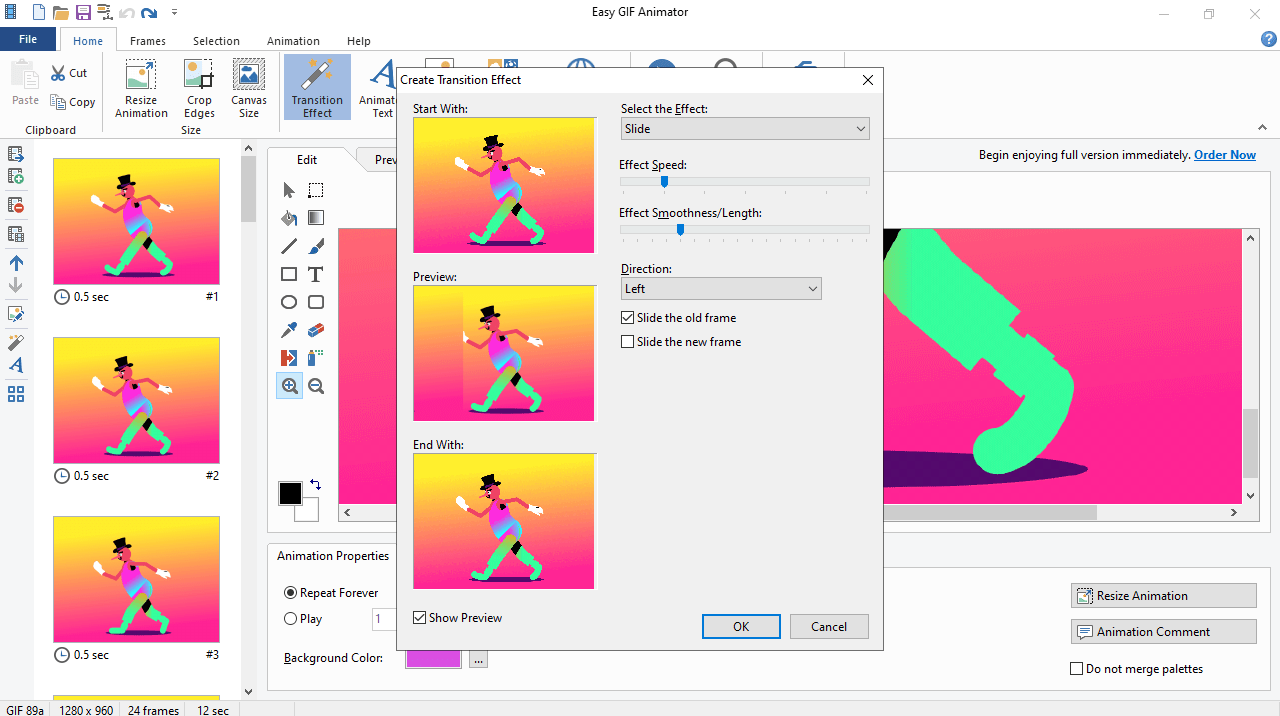
Easy GIF Animator is an intuitive program for Windows that allows you to create GIF animations by combining images in various formats and managing frames. The application comes equipped with a wide range of basic instruments to help you design animated clips in GIF format in a few simple steps.
General notes
After you launch the utility, you are greeted with a user-friendly interface, from which you can create new animations, banners and buttons. It is possible to import images in GIF, JPG, BMP and PNG formats, by using the file browser or the drag and drop feature.
When it comes to editing tools, there are select, fill, gradient, line, brush, rectangle, round, text, color, replace, airbrush, eraser and zoom. In addition, you are able to configure the intensity, blur and distance of the shadow, invert, as well as set the hue, brightness and saturation values.
Additional functions
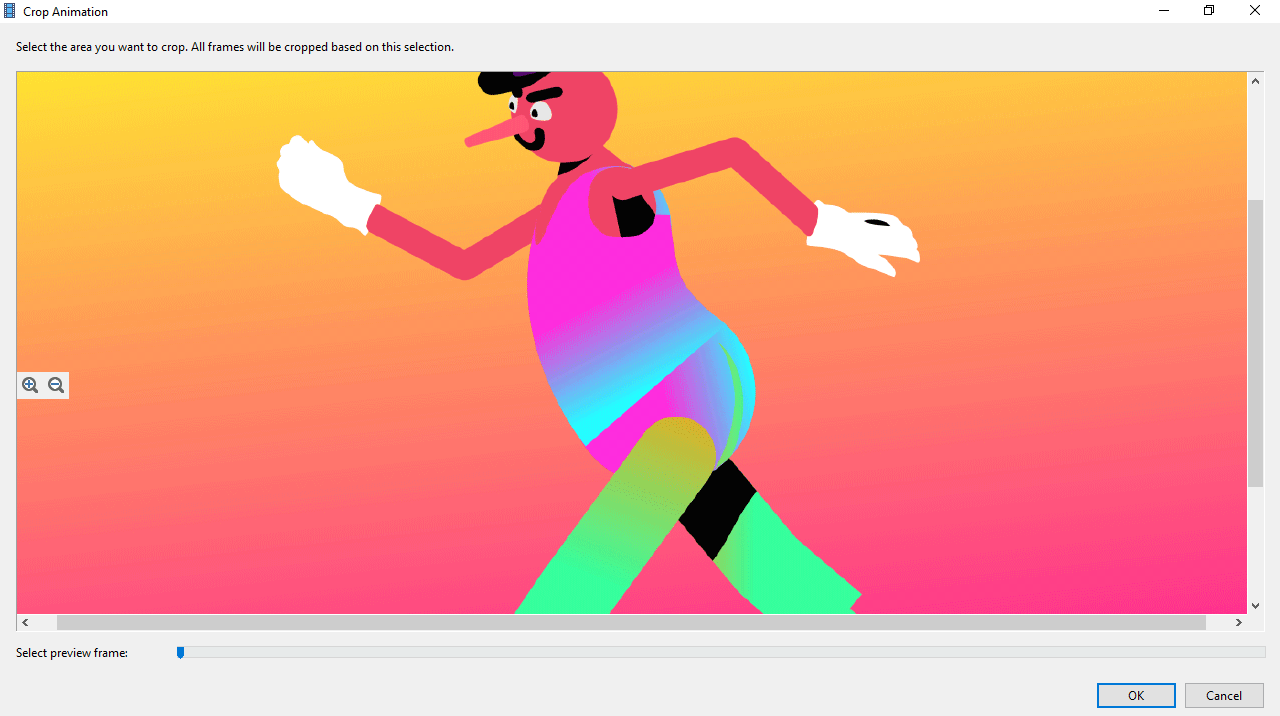
The software solution enables you to resize the animation, add a comment, edit the frame, use the Undo and Redo buttons. You can also preview images in the web browser like Chrome or Mozilla Firefox, and create a visual effect, and adjust its speed, smoothness and length. Moreover, you have the option to generate HTML code, convert to grayscale, export to AVI or Flash, and more.
Features
- free to download and use;
- compatible with modern Windows versions;
- gives you the ability to design GIF animations;
- you can create and configure effect parameters;
- it is possible to convert images to grayscale.
23,1 Mb (downloads: 1)


