
This program lets users configure parental controls for blocking adult websites and other inappropriate content. It is possible to set custom daily usage quotas.

CYBERsitter
ver. 14.20.10.6
24,4 Mb (downloads: 8)
Update date:
15.01.2023
Developer:
www.cybersitter.com
Windows version:
Windows XP, Windows Vista, Windows 7, Windows 8, Windows 8.1, Windows 10, Windows 11
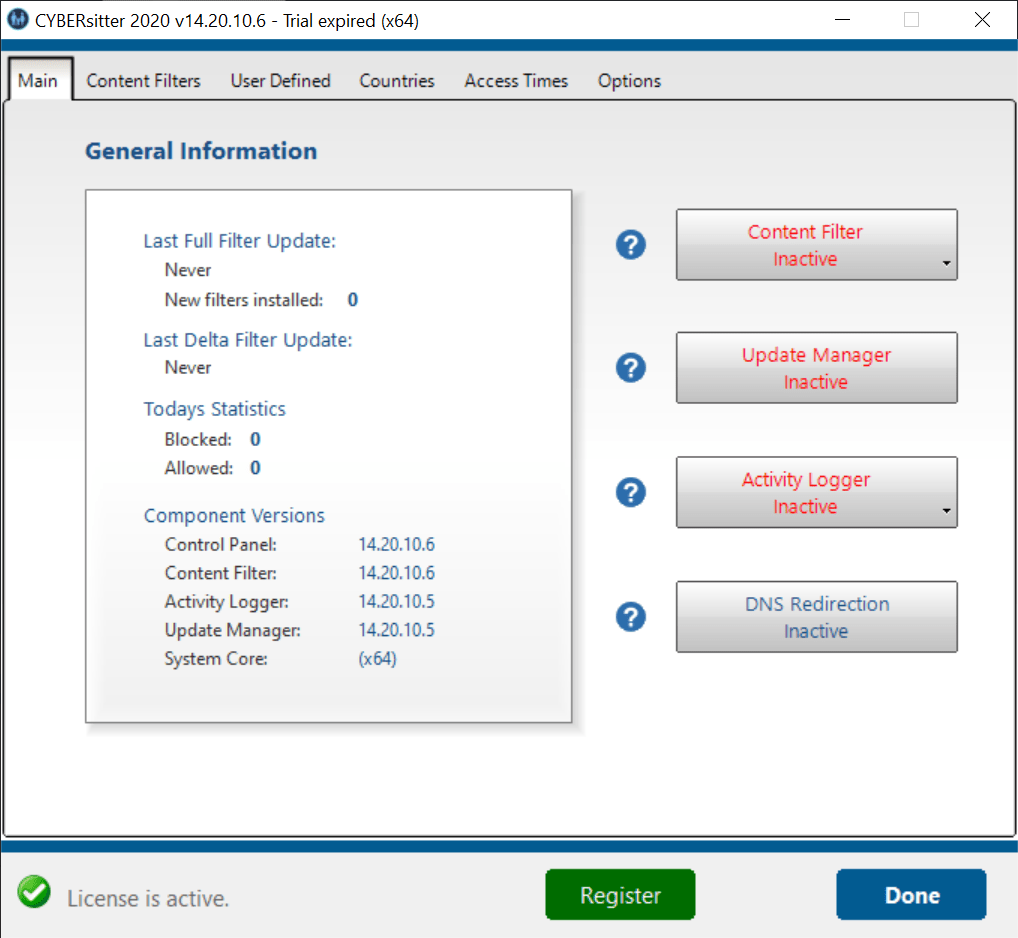
CYBERsitter is a Windows software for preventing children from accessing unauthorized content. You can create a whitelist of allowed websites and block domains from specific countries.
Brief overview
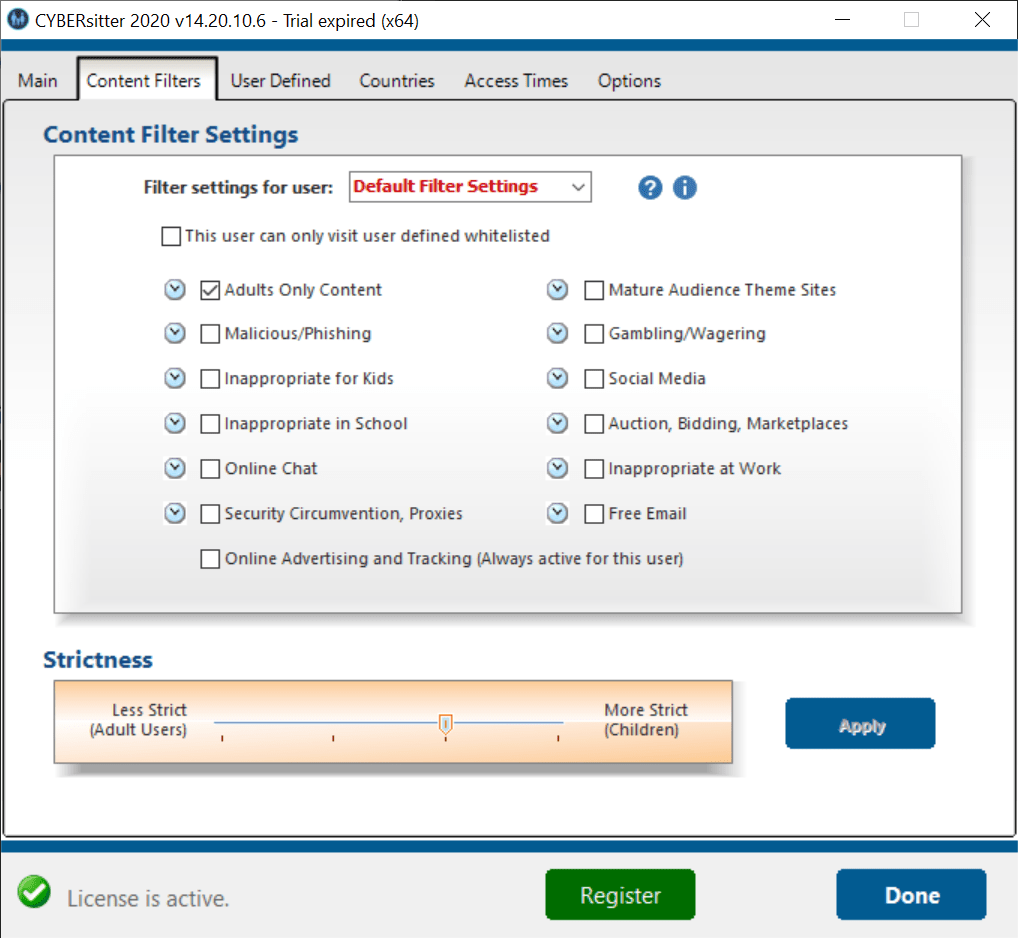
This application contains instruments for filtering web traffic and blocking inappropriate content. Users can set custom rules in the Content Filters tab. There is a slider for automatically adjusting protection parameters. Alternatively, it is possible to manually enable required options one by one.
Available filters include adult content, phishing links, online chat rooms, proxy services, gambling websites, social media platforms and marketplaces.
Please note that the free demo version of CYBERsitter will expire 7 days after activation.
Advanced capabilities
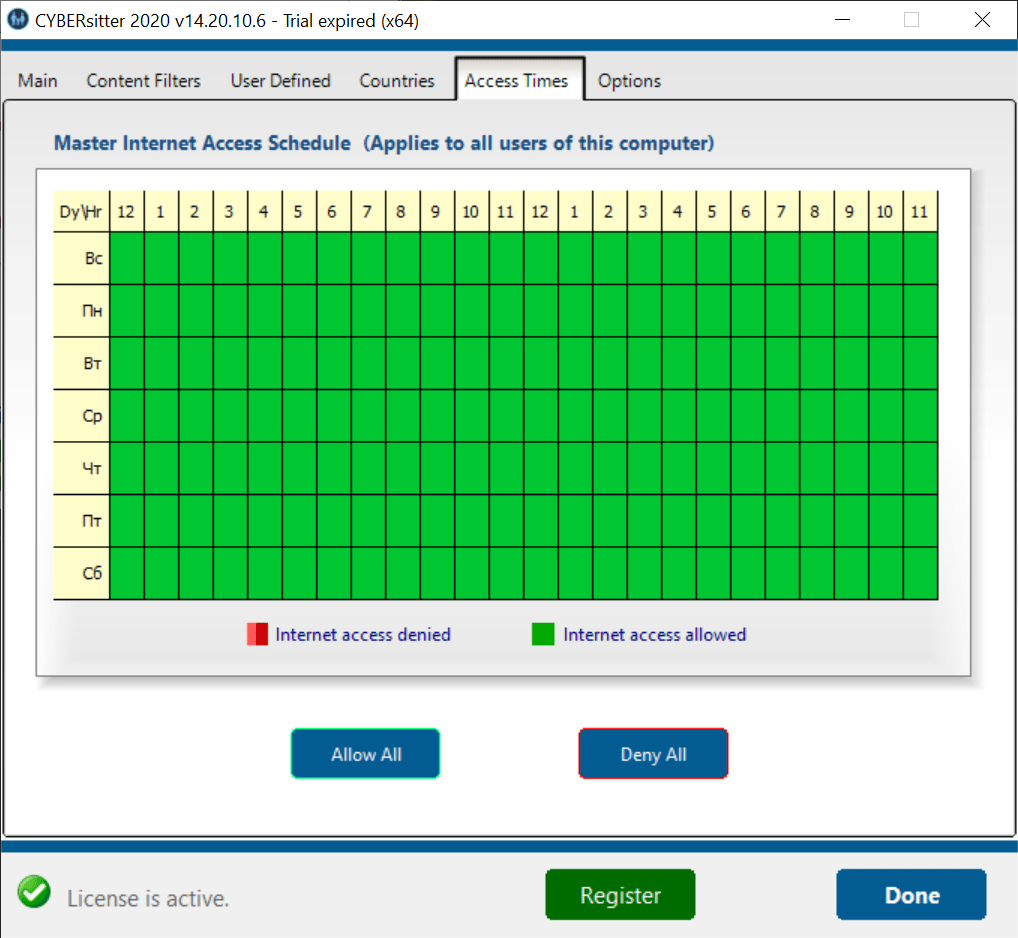
You are able to block the traffic from any country in the corresponding tab. Similar to Net Nanny, daily internet usage quotas can be set. There is an option to protect the utility from unauthorized changes by setting a personal password.
The app allows users to specify trusted domains that will be always excluded from filtering. Additionally, a blacklist for entering known dangerous resources can be created.
Features
- free to download and use;
- provides tools for blocking dangerous websites and filtering adult content;
- it is possible to prevent access to online chat rooms and social media platforms;
- there are options for blocking traffic from specific countries;
- compatible with modern versions of Windows.
24,4 Mb (downloads: 8)


