
This self learning neural network contains instruments for generating texts on any topic. You can specify keywords, writing style and other parameters.

Copy AI
ver. 1.0
(downloads: 39)
Update date:
11.05.2023
Developer:
CopyAI, Inc.
Windows version:
Windows XP, Windows Vista, Windows 7, Windows 8, Windows 8.1, Windows 10, Windows 11
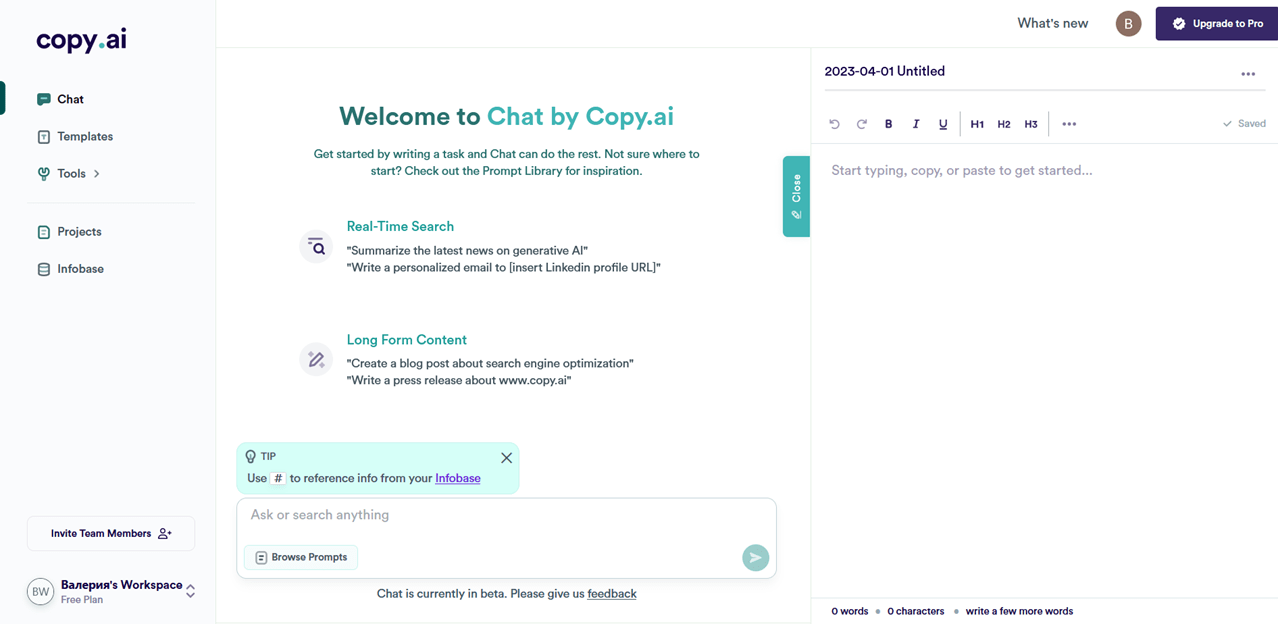
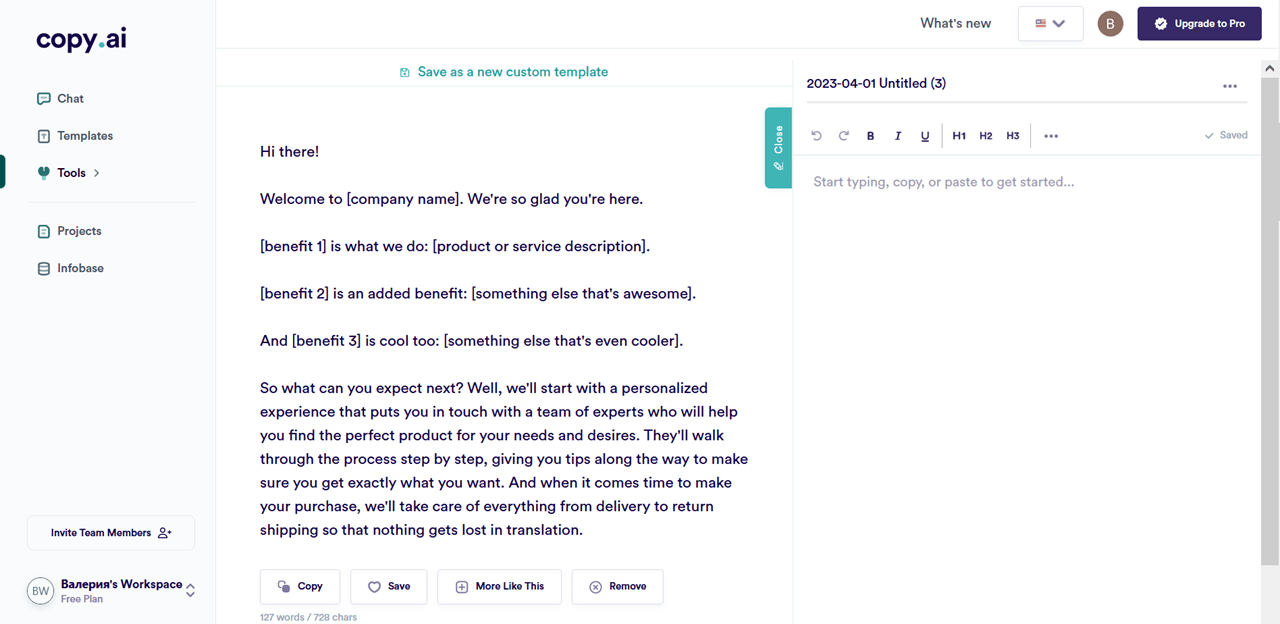
Copy AI is a Windows web platform that helps users automatically create text articles based on predefined settings and keywords. Similar to ChatGPT, the service utilizes artificial intelligence algorithms for generating high quality unique content.
Main principles
Deep machine learning technology is used for text creation. The underlying large language model is trained on a massive amount of data and can apply acquired knowledge to generate website articles or blog posts. Moreover, this platform is useful for increasing the efficiency and effectiveness of marketing campaigns.
You are instructed to enter relevant keywords and adjust generation parameters by specifying the theme, style and text format. The AI automatically analyzes the data and applies its knowledge base to create unique content according to your needs.
Editing
After generating the article users can modify it to better fit the task. It is possible to rewrite individual sentences or tune style settings. Copy AI learns based on feedback. This allows the AI to improve the algorithm and create better and better content as the time goes on.
There are tools for collaborating with other people on writing projects. You can invite colleagues and configure access permissions.
Features
- free to download and use;
- offers you instruments for quickly generating screenplays, articles and other types of publications;
- it is possible to customize the writing style and text length;
- users can collaborate on projects with other people;
- compatible with all modern versions of Windows.
(downloads: 39)


