
The robust utility was developed to help users configure Christie video display devices. In addition, there is an option to create and save custom presets.

Christie PowerTool
ver. 3.1
15 Mb (downloads: 3)
Update date:
30.08.2023
Developer:
Christie
Windows version:
Windows XP
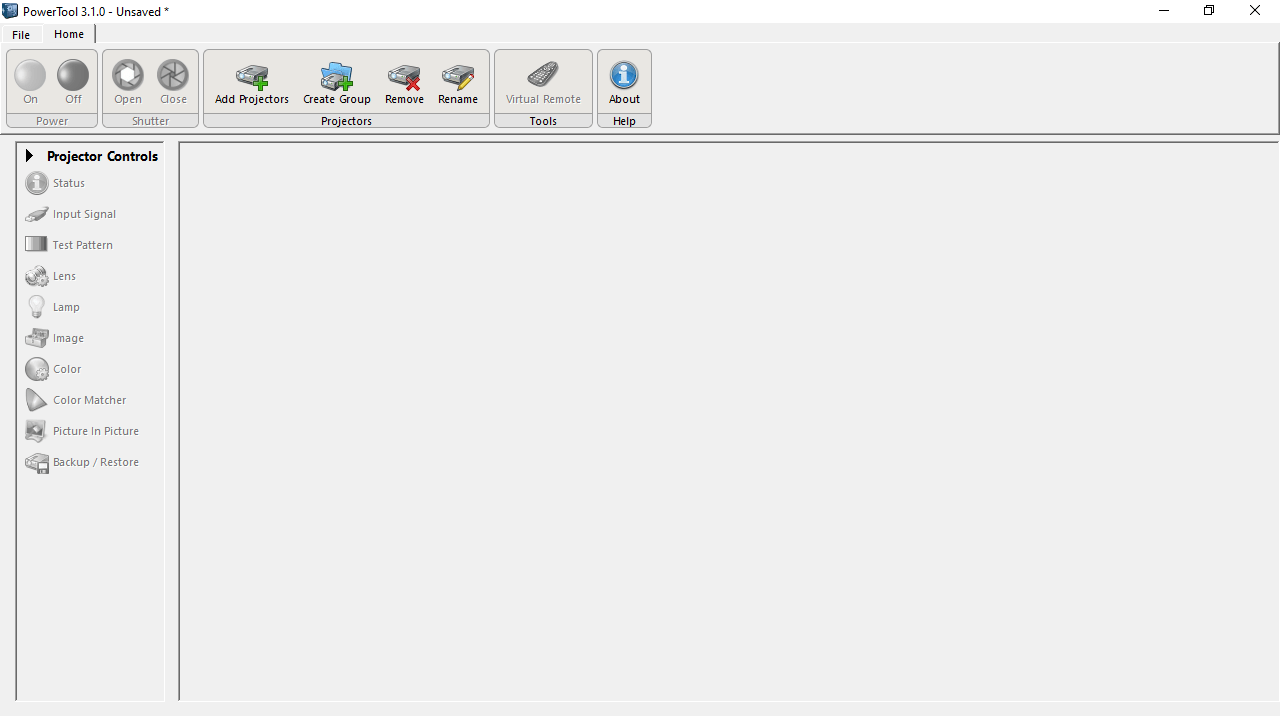
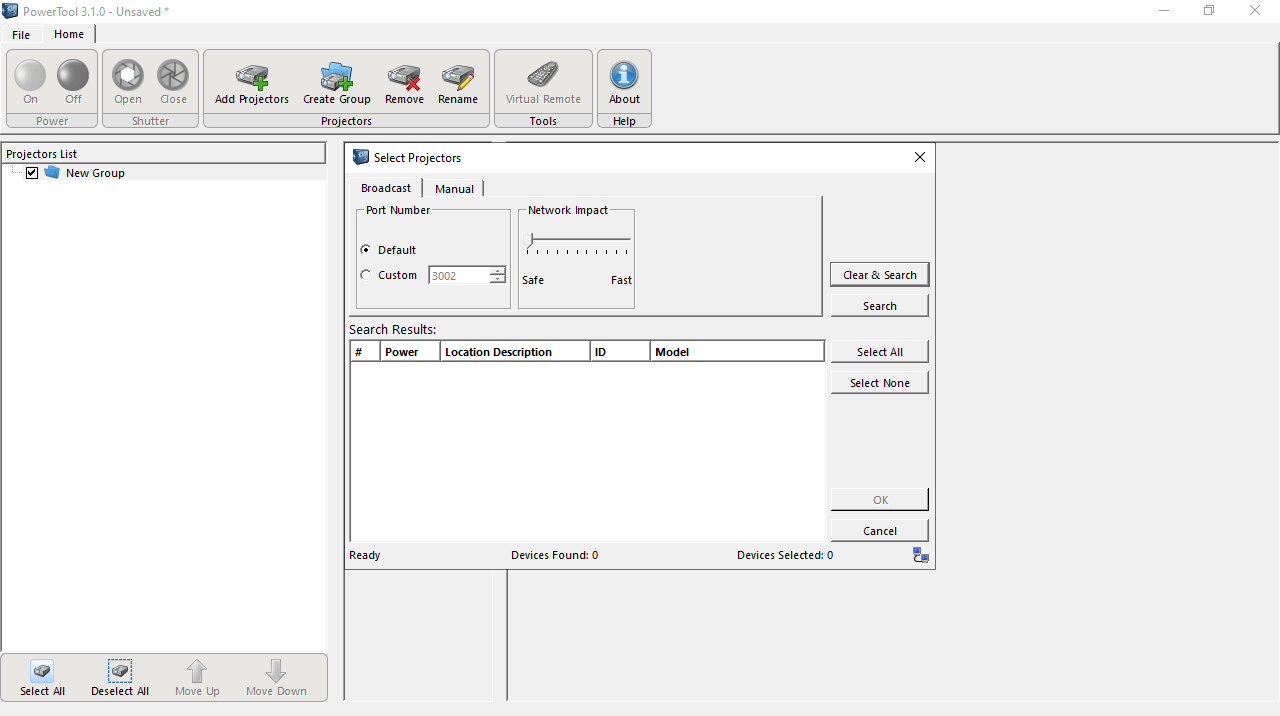
Christie PowerTool is a convenient program for Windows that allows you to monitor and manage projectors on your network. The unified graphical interface features support for a considerable number of Christie products, regardless of their geographic location.
Advanced controls
The software provides you with comprehensive control capabilities to fine-tune various aspects of your video equipment. You can do anything from adjusting brightness, contrast, and color settings to managing multiple projectors in a large scale setup.
What is more, the tool comes with real time monitoring functionality. For example, it is possible to access essential information, such as lamp status, temperature and usage statistics. This helps you to proactively troubleshoot and maintain your devices.
Centralized network management
In scenarios where quick adjustments are required, the utility offers customizable presets. Thus, you can create and save configurations tailored for particular purposes. This feature is especially beneficial if you frequently change setups.
For users with large scale deployments, the program has advanced network management controls. It enables you to monitor and manipulate multiple products remotely, facilitating consistency across installations. To mirror the computer screen on different devices, you may try an app called EShare.
Features
- free to download and use;
- compatible with modern Windows versions;
- enables you to manage displays and projectors;
- you can create custom presets for device setups;
- it is possible to monitor hardware in real time.
15 Mb (downloads: 3)


