
This utility can help you unlock any CDMA mobile phone and access its internal memory parameters. It works with various terminals, data cards and modems as well.

CDMA Workshop
ver. 2.7
4,6 Mb (downloads: 265)
Update date:
14.10.2022
Developer:
CDMA-WARE
Windows version:
Windows XP, Windows Vista, Windows 7, Windows 8, Windows 8.1, Windows 10
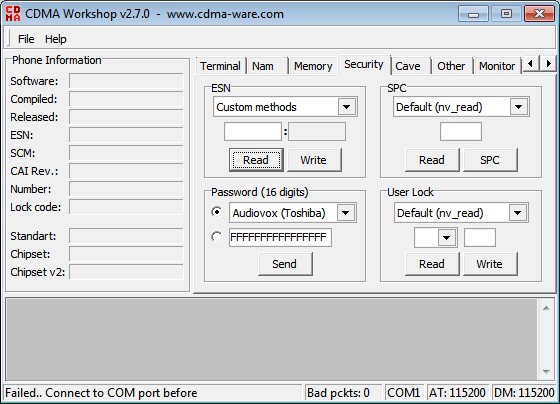
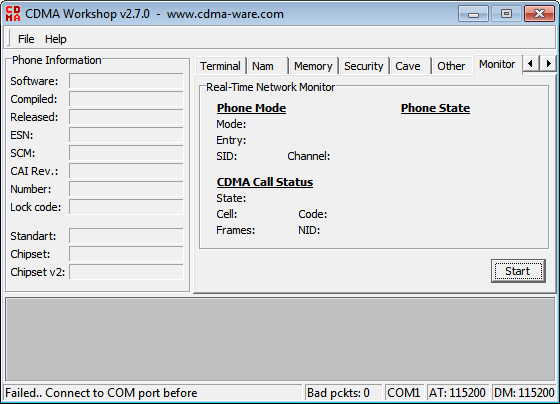
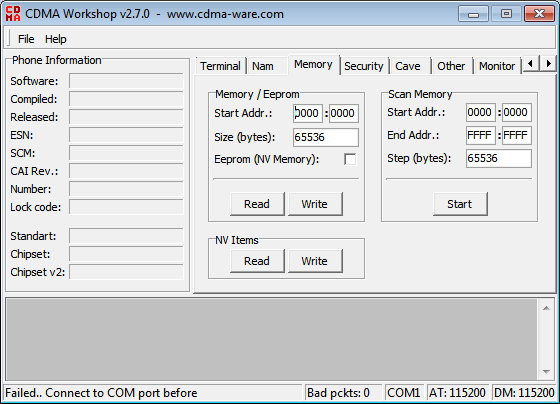
CDMA Workshop is a Windows software for reprogramming the memory module on CDMA devices. Additionally, users can remove SIM card restrictions on a wide variety of mobile phones.
Interface
The main window contains a section with the phone information like the software version, compilation date, equipment serial number, lock code, chipset vendor and other data. All these text fields are filled automatically when you connect the device via the COM port. There are several panels for configuring the internal phone parameters.
It is possible to read the information from any flash memory module. Moreover, users are able to modify this data and write it back to the device.
A Terminal tab allows you to execute any remote commands on the phone. Both HEX and ASCII output modes are available.
It is worth mentioning that CDMA Workshop is intended for obsolete mobile devices. To unlock more modern phones users can download ZiPhone or CIUX Mobile IMEI Unlocker.
Security settings
This section offers you instruments for changing the ESN identifier. Several methods are provided for different phone manufacturers such as Samsung, LG, Motorola and Sanyo. Alternatively, the direct Eeprom rewriting can be performed.
There are tools for resetting the password on compatible devices. Users can choose from a large library of phones.
Features
- free to download and use;
- allows users to remove SIM card restrictions;
- there is support for a wide variety of mobile phones;
- it is possible to rewrite internal flash memory;
- compatible with all modern versions of Windows.
4,6 Mb (downloads: 265)


