
The utility allows you to easily erase all the unneeded data from your PC. Moreover, you have the ability to perform defragmentation on hard drive partitions.

Argente Disk Cleaner
ver. 2.0.0.6
8,4 Mb (downloads: 10)
Update date:
14.03.2023
Developer:
Argente Software
Windows version:
Windows XP, Windows Vista, Windows 7, Windows 8, Windows 10
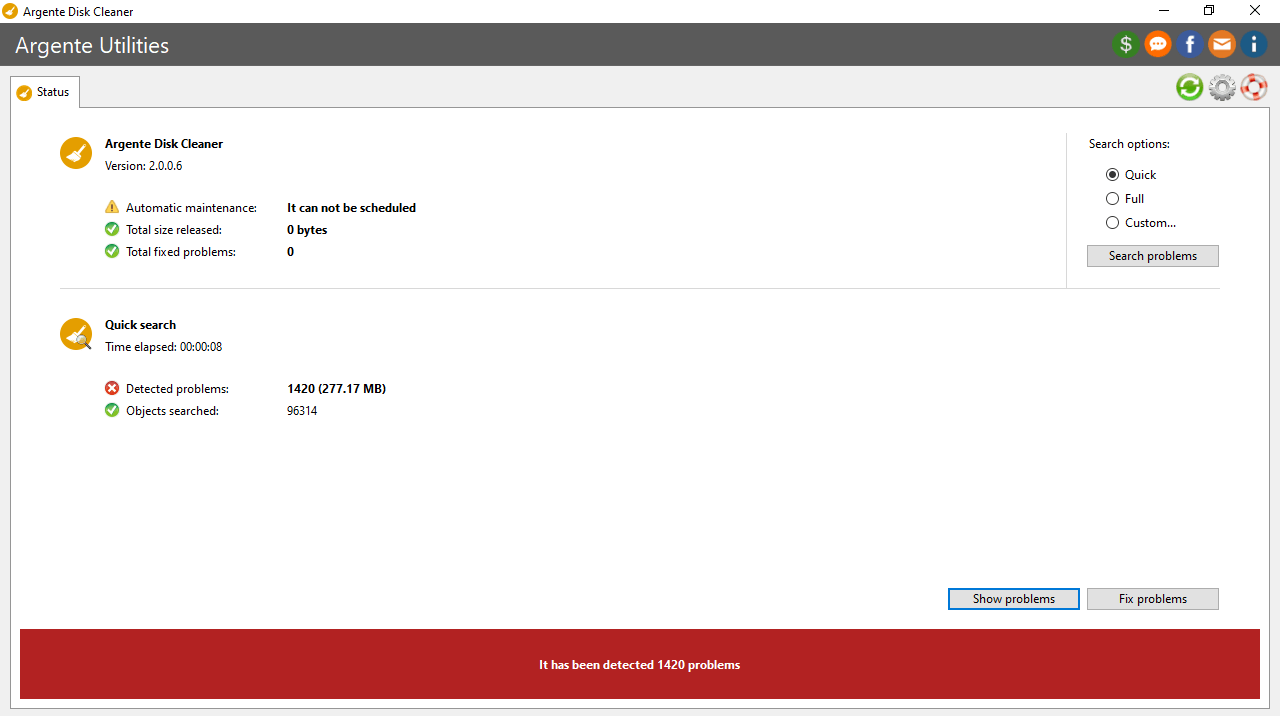
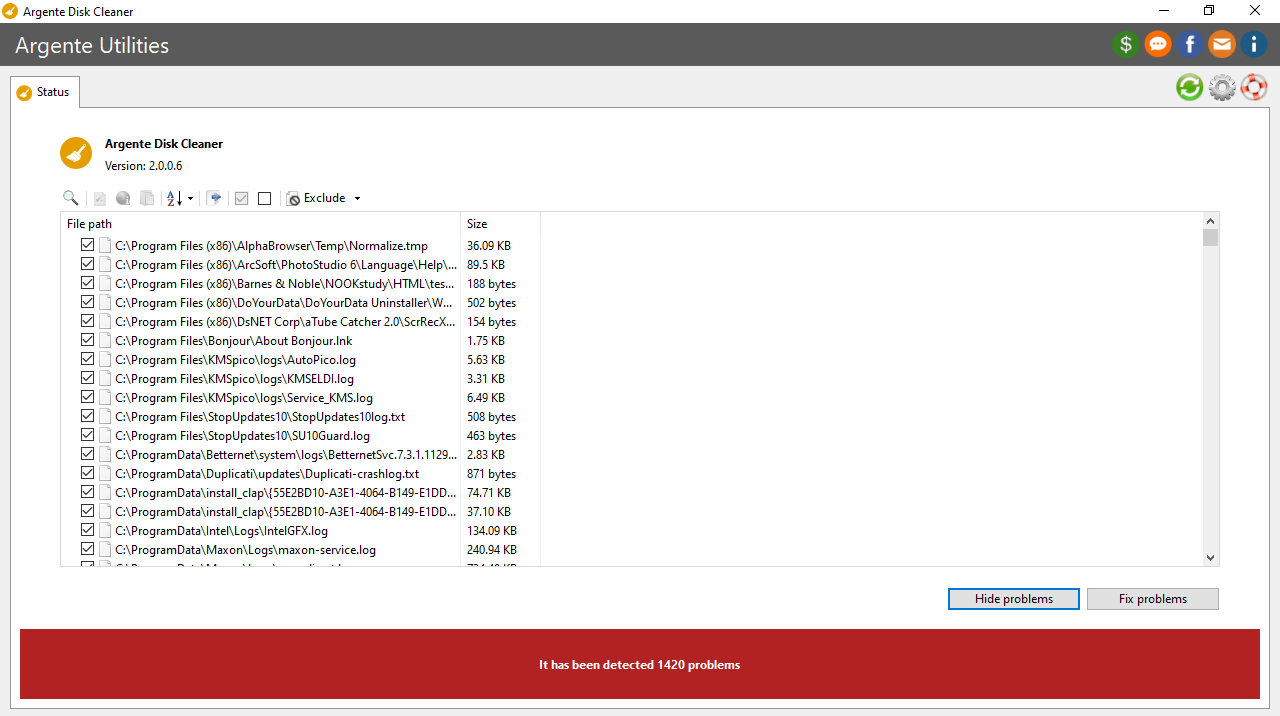
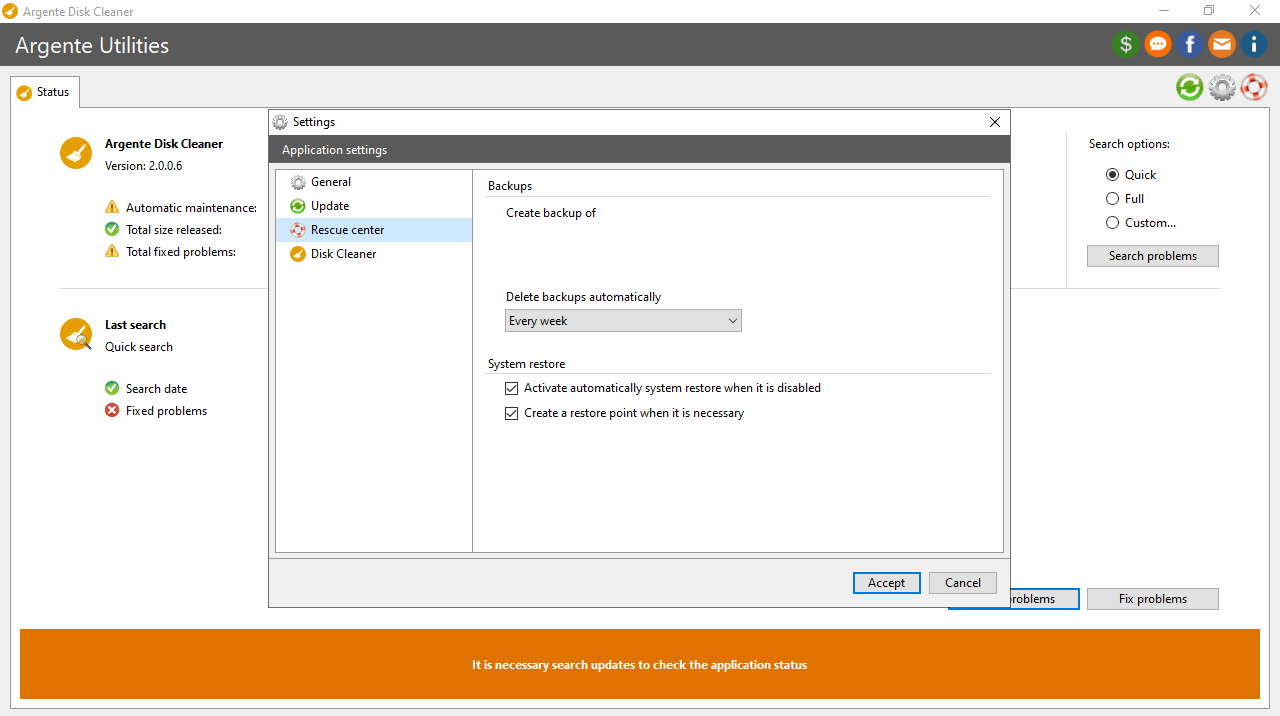

Argente Disk Cleaner is an advanced program for Windows that can help you to improve the performance of your personal computer by deleting unnecessary files from the hard drive. The graphical interface is quite simple, and the tool may be used by all people regardless of their level of PC experience.
Brief review
The software solution provides you with a Disk Cleaner for locating and erasing junk items. It is also possible to search for invalid shortcuts and zero-byte files. You can set the target volume, and sort the results by selecting the data type you want to find, such as temporary backup, error, memory dump, etc. Moreover, you have the ability to view file properties, create inclusion and exclusion lists, as well as set the utility to automatically run at startup.
Additional functions
The Privacy Cleaner is reserved for taking care of temporary items, search autocomplete, recent docs, clipboard history, Recycle Bin, log files, along with browser, app and other data. The program also allows you to use the hibernate system function to switch your PC to a power-saving mode. You also have the option to defragment individual hard drive partitions. Alternatively, you may try a similar tool called CCleaner.
Features
- free to download and use;
- compatible with modern Windows versions;
- enables you to perform various disk management operations;
- you have the ability to launch the program on system startup;
- it is possible to perform hard drive defragmentation.
8,4 Mb (downloads: 10)


