
The application was designed to help users preview in-game maps before playing them. Additionally, it is possible to copy and save coordinates to the Clipboard.

Amidst
ver. 4.7
1,8 Mb (downloads: 49)
Update date:
02.02.2023
Developer:
Stefan Dollase
Windows version:
Windows XP, Windows Vista, Windows 7, Windows 8, Windows 10, Windows 11
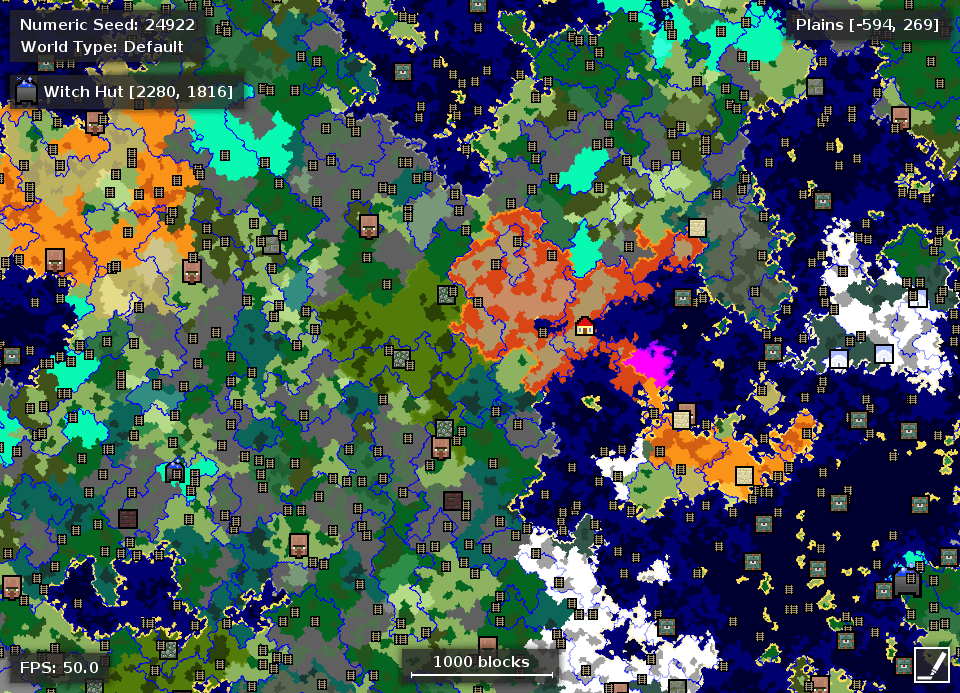
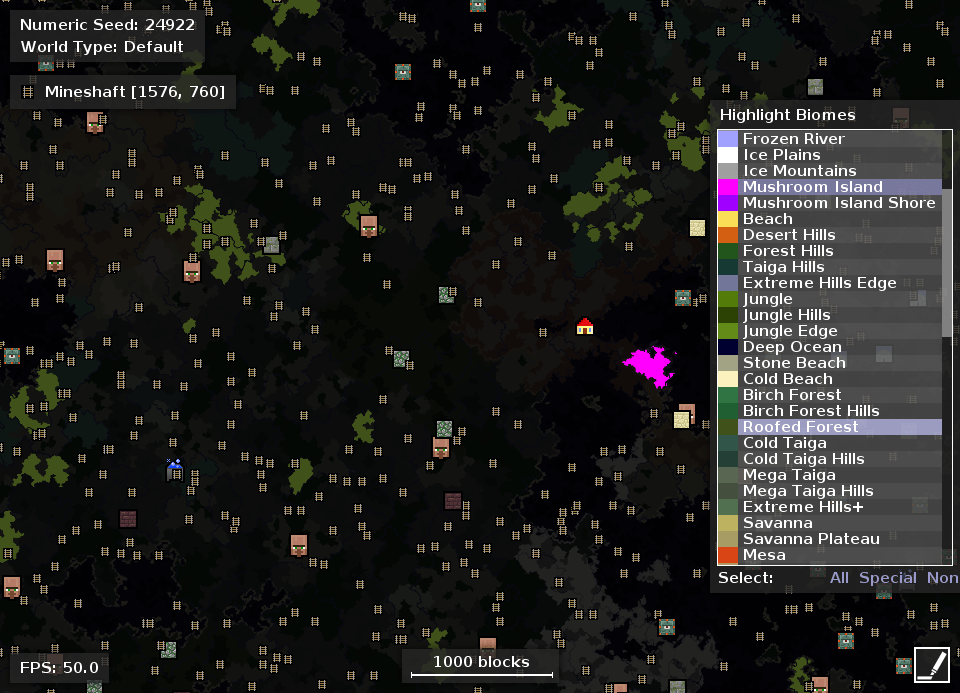
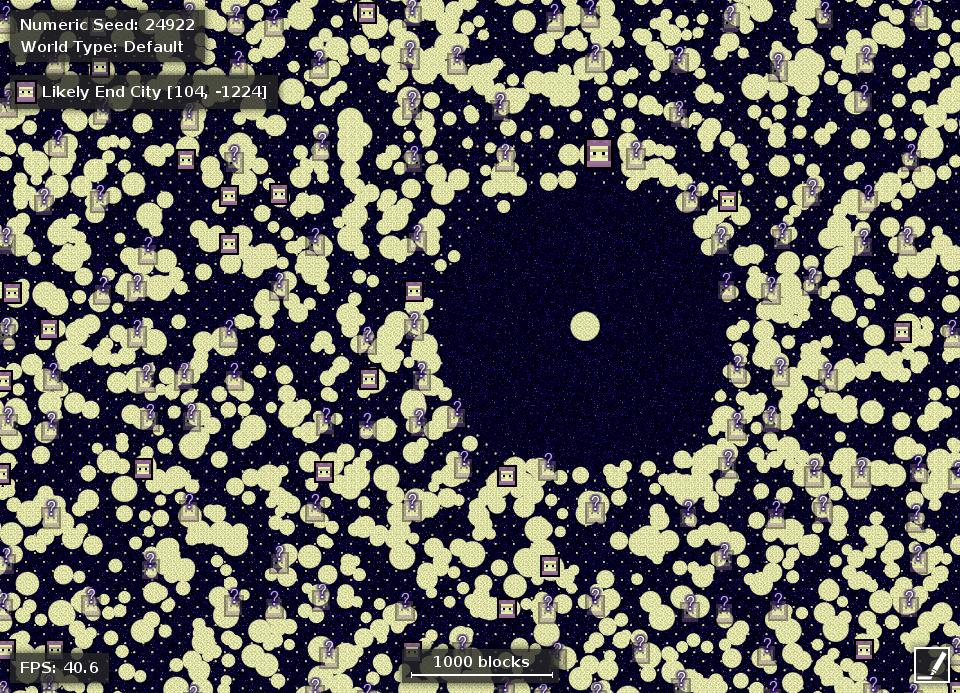
Amidst is a program for Windows that enables you to enhance your Minecraft playing experience. You can use this tool to view the world map based on the seed. It displays the spawning point, region types, NPC villages, witch huts, Nether fortresses, all accompanied by coordinates.
Goal
The utility is extremely useful if you want to find the perfect seed for creating your game world. You have the ability to explore your surroundings as if you are already playing on a map, locating objects and special areas quickly. This means you do not have to spend countless hours wandering the biomes, or learning your position and getting back home, by loading a saved game.
Configuration
In order to run Amidst, you need to install Minecraft and create an unmodded profile. You may use TLauncher or Badlion Client. Then the software auto-detects the game’s edition at startup and can show the overview of a map after providing it with a seed number. You also have the option to load a random world.
View map
After the map is generated, you are able to check out the spawn point, different color-coded regions, or special areas, such as villages, desert temples and witch huts. To learn more about an object, you have to move the mouse over it, as well as zoom in and out, navigate the map by panning and highlight biomes.
Features
- free to download and use;
- compatible with modern Windows versions;
- gives you the ability to view Minecraft maps;
- you can copy and save in-game coordinates;
- it is possible to load random or custom seeds.
1,8 Mb (downloads: 49)


