
This audio player allows you to open MP3, AC3, DTS, OGG, WAV and other common file formats. It is possible to create and manage a large music library.

AIMP
ver. 5.10.2417
17,8 Mb (downloads: 12)
Update date:
14.12.2022
Developer:
AIMP DevTeam
Windows version:
Windows Vista, Windows 7, Windows 8, Windows 8.1, Windows 10, Windows 11
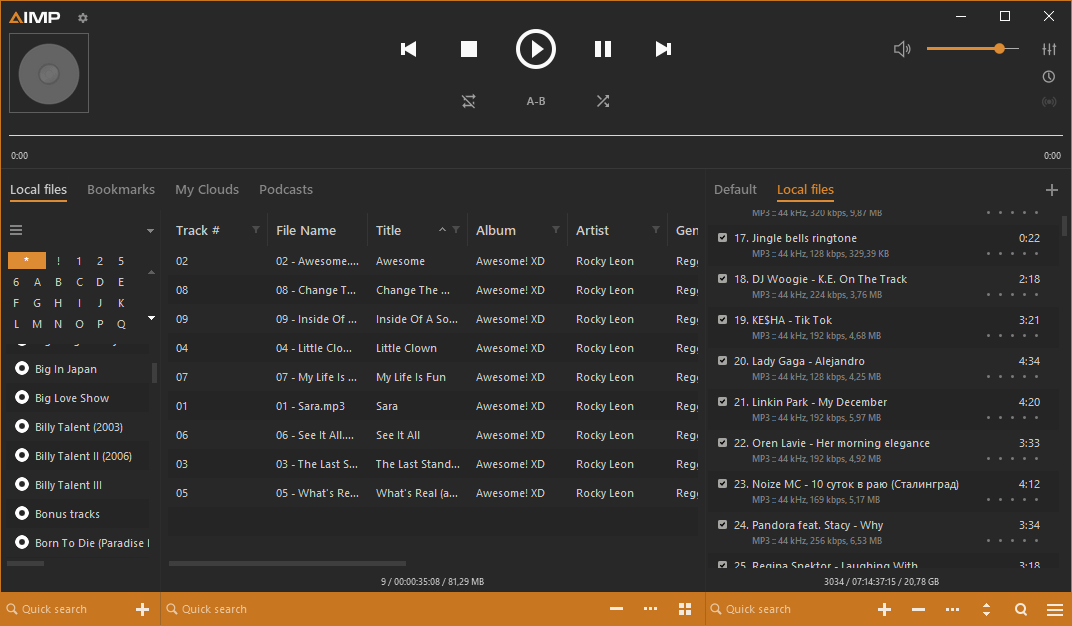
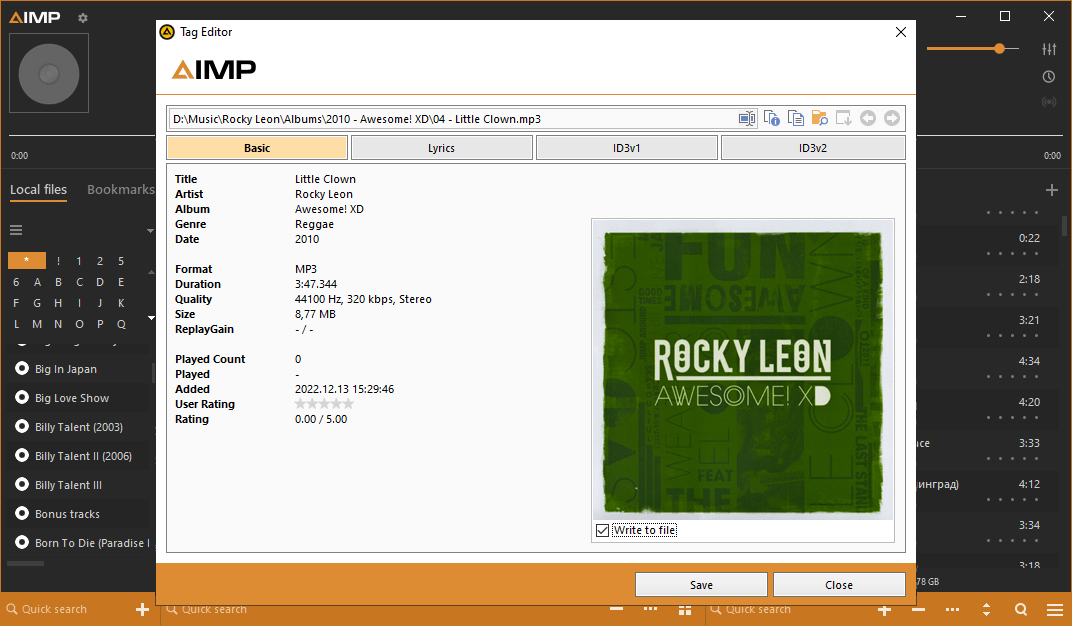
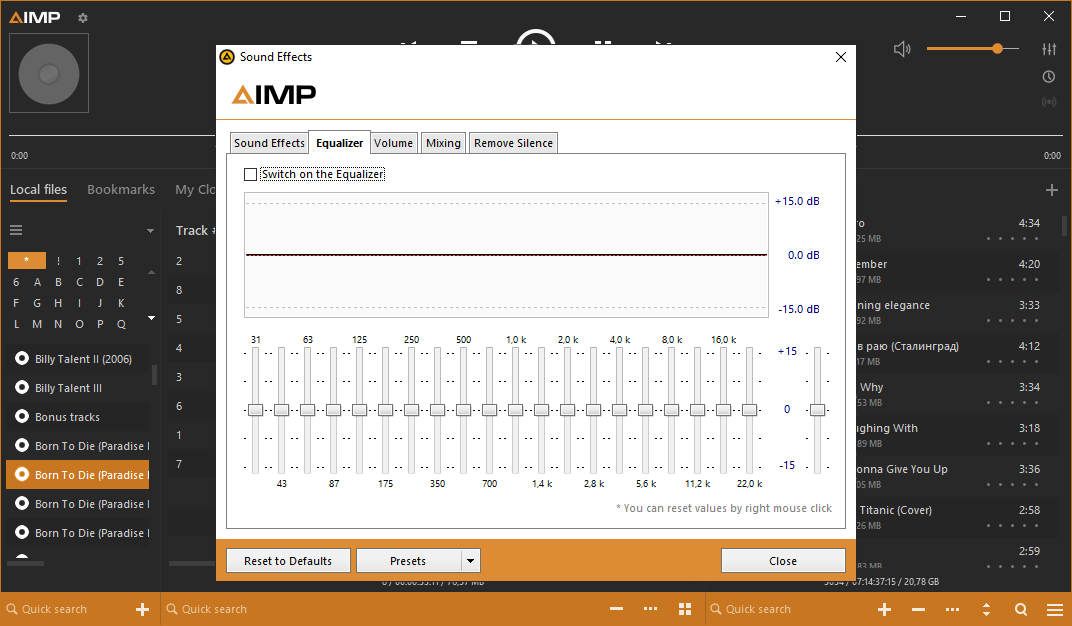
AIMP is a Windows application for listening to music. Users can apply various sound effects and tune separate frequencies in the included multiband equalizer. There are additional mixing parameters for creating seamless transitions between the songs.
Playback
After starting the utility you are instructed to add new files to the library. Similar to Winamp, all tracks can be sorted by name, artist, album, genre and many other attributes. Moreover, you are able to create custom filters for easier library management.
There is support for RSS podcasts. Users can add new URLs into the corresponding tab. It is possible to quickly update all subscriptions and automatically download new content.
Popular cloud storage services such as Google Drive, Dropbox, OneDrive and YandexDisk can be connected to this program for playing music remotely. It is necessary to enter your credentials to access cloud folders.
Advanced capabilities
Users can schedule automatic actions such as starting the playback, jumping to the next track, shutting down the system and other options. There are flexible trigger conditions for script activation. Actions may be performed at a specific moment, at the end of the playlist or upon finishing the current track.
Features
- free to download and use;
- offers you instruments for audio playback;
- it is possible to adjust separate frequencies and apply various sound filters;
- users can create automation scripts and execute them;
- compatible with modern versions of Windows.
17,8 Mb (downloads: 12)


