
With the help of this software you can convert video files to various popular formats. Moreover, there are tools for downloading content from online media platforms.

Aimersoft Video Converter
ver. 11.7.4
1,0 Mb (downloads: 3)
Update date:
04.12.2022
Developer:
Aimersoft
Windows version:
Windows 7, Windows 8, Windows 8.1, Windows 10, Windows 11
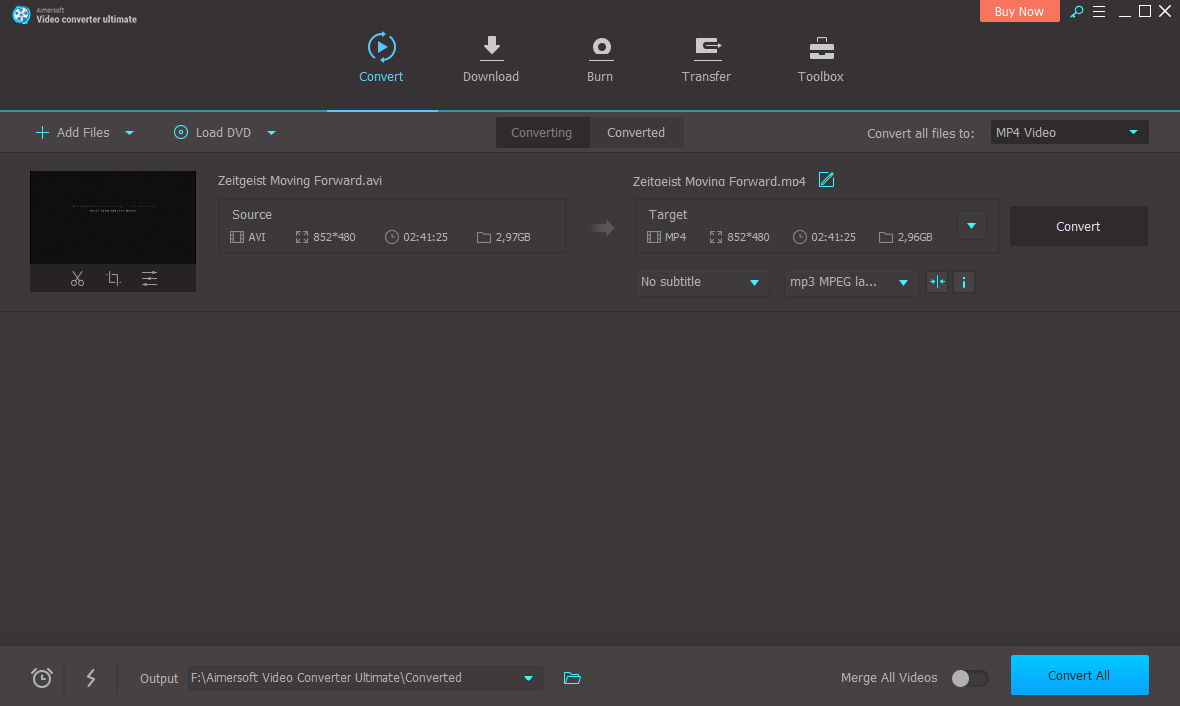
Aimersoft Video Converter is a Windows utility for transforming video clips into different formats. There is support for AVI, MPG, MKV, MP4, WMV and many other common file types. Users can add subtitles and custom audio tracks to resulting videos.
Conversion parameters
After starting the program you are able to import new media items by dragging and dropping them into the main window. Alternatively, there are buttons for adding folders with multiple source files and loading DVD disc images. The picture dimensions, overall duration and filesize are displayed along with clip thumbnails.
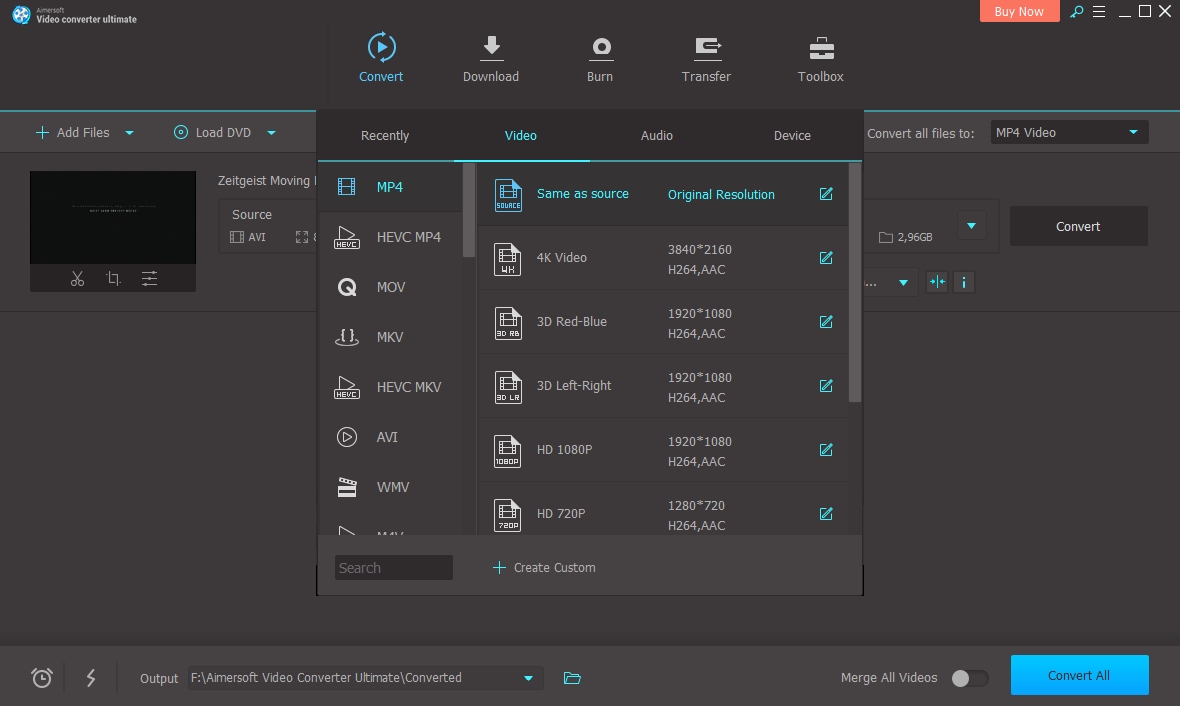
Users can select the target file format in the corresponding drop-down menu. Alternatively, it is possible to manually configure conversion settings. Supported video encoders include MPEG-4, HEVC and H264. Like in Hamster Video Converter, users are able to specify custom resolution, frame rate and overall quality.
Video editor
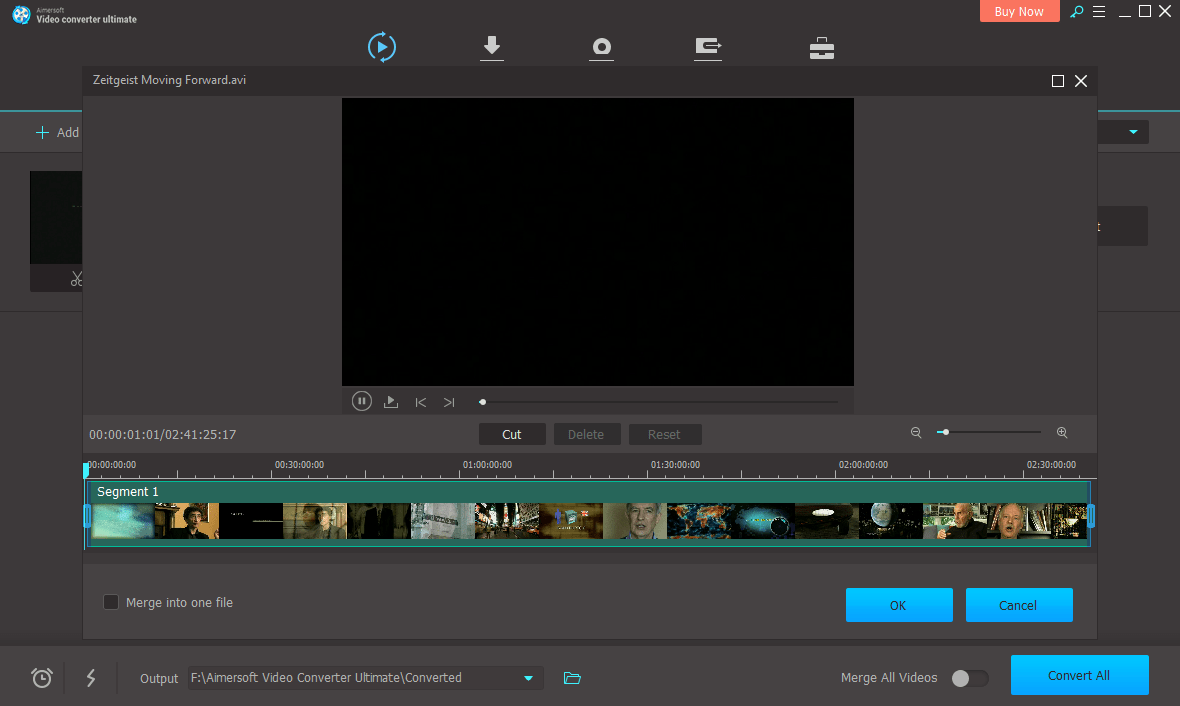
This application contains instruments for cropping and trimming the clip before converting it to another format. Additionally, you can adjust the brightness, contrast and color saturation. Several deinterlace filters are provided. There is a library of visual effects for personalizing the project.
Features
- free to download and use;
- allows you to convert movies to a wide variety of common file formats;
- it is possible to adjust output quality settings;
- there is an editor for trimming the clip and adjusting video parameters;
- compatible with modern versions of Windows.
1,0 Mb (downloads: 3)


