
This music editor helps users compose and edit songs and samples. There are tools for applying filters and effects. All popular file formats are supported.

Adobe Soundbooth CS4
ver. 2.0
504 Mb (downloads: 222)
Update date:
13.08.2022
Developer:
Adobe Systems Incorporated
Windows version:
Windows XP, Windows Vista, Windows 7, Windows 8, Windows 8.1, Windows 10

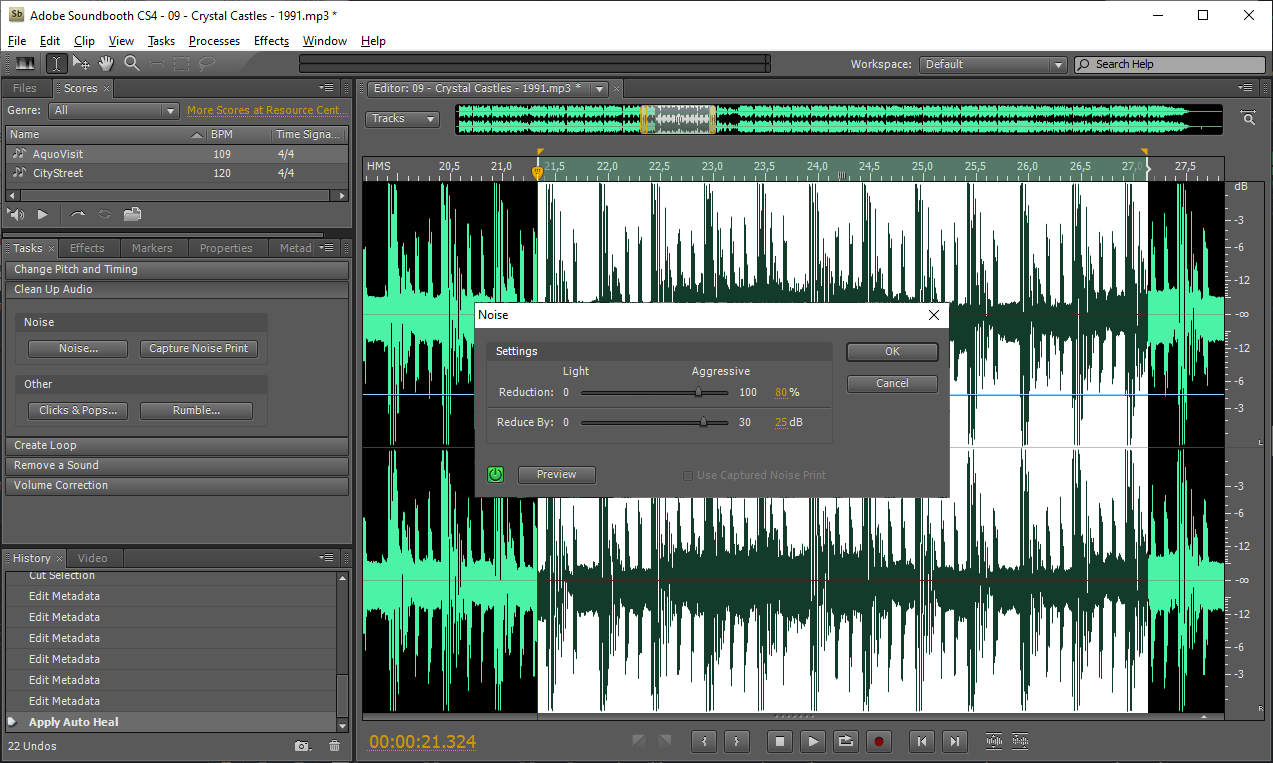
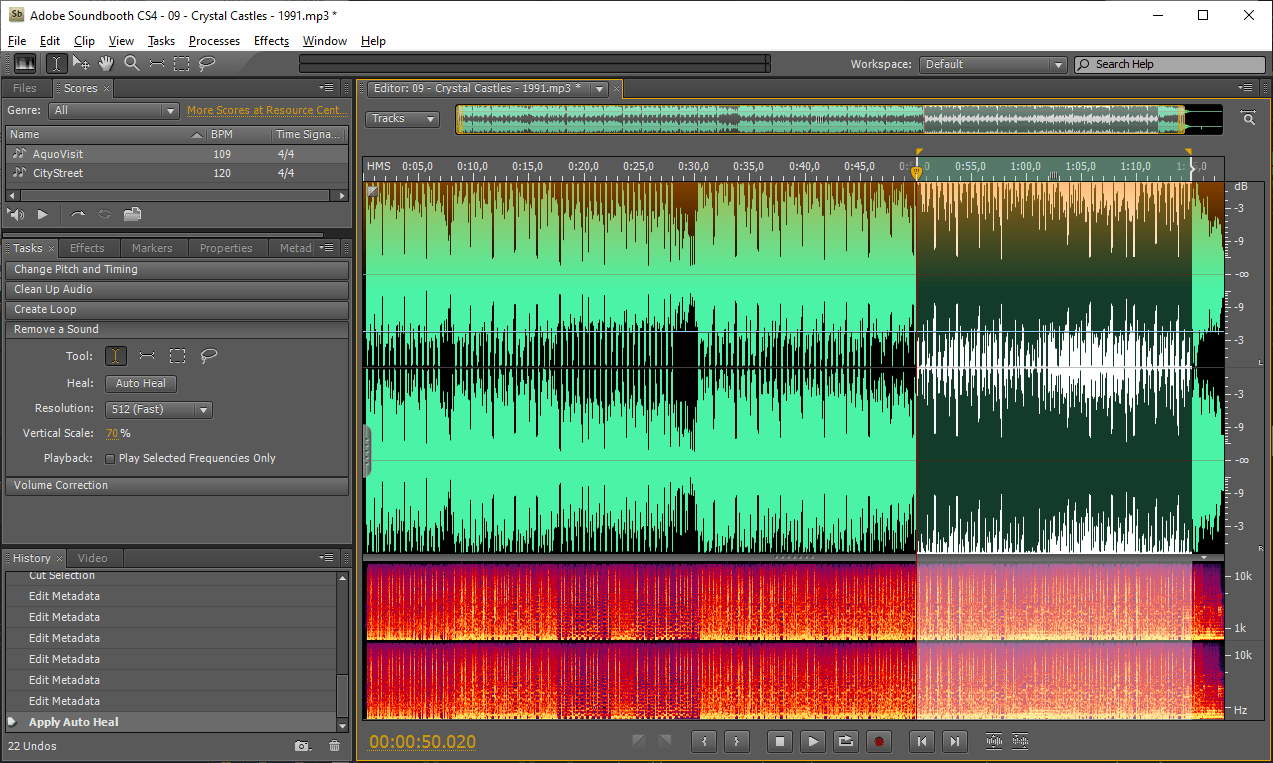
Adobe Soundbooth CS4 is a Windows program for composing music. It is oriented toward beginners and offers auto-adjustment instruments.
Interface
The main window consists of a large editing section and several panels such as Effects, History, Properties and other tools for composing and modifying the song.
Editor allows you to choose specific parts of the song to delete or replace them. It is possible to zoom in or out to quickly navigate through the file.
Included effects offer options for changing reverb, equalizer and volume parameters. Every effect has advanced settings to better suit your project.
History panel logs every action and lets you quickly undo the last changes made to the song. In the Metadata menu users can specify file attributes such as author, label, track name and album.
It is worth mentioning that Adobe Soundbooth CS4 is not geared toward professional musicians. There are more advanced programs for music creation like Adobe Audition.
Tasks
This program lets users automatically enhance the music by executing tasks like:
- cleaning up the audio;
- creating loops;
- removing a sound;
- correcting the volume.
Using these options is quick and simple. They can help improve the quality of your song.
Features
- free to download and use;
- lets you create songs and samples;
- offers tools for auto-enhancement of the music;
- there are several filters and effects;
- supports all popular audio file formats;
- compatible with all modern versions of Windows.
504 Mb (downloads: 222)


