
This software allows you to quickly view and manage images. In addition, you have the ability to set pictures as wallpapers or convert them to various formats.

ACDSee
ver. 2.0
43 Mb (downloads: 15)
Update date:
12.08.2022
Developer:
ACD Systems
Windows version:
Windows XP, Windows Vista, Windows 7, Windows 8, Windows 10

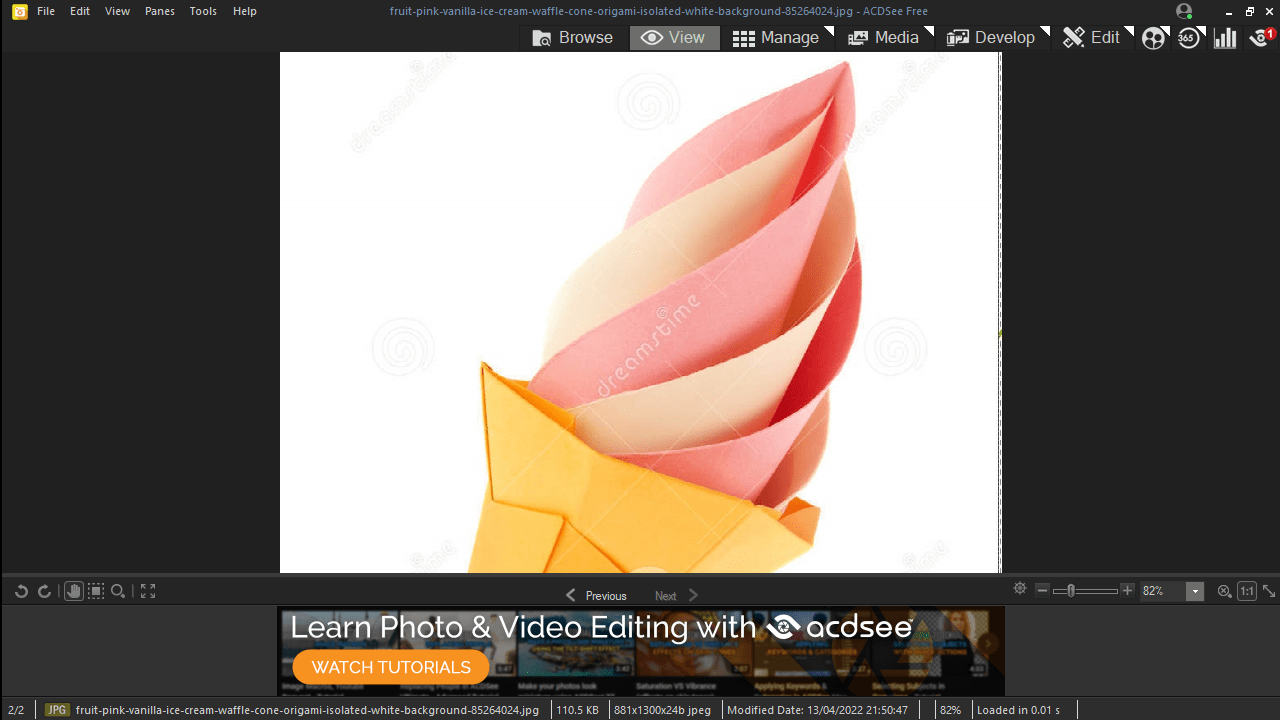
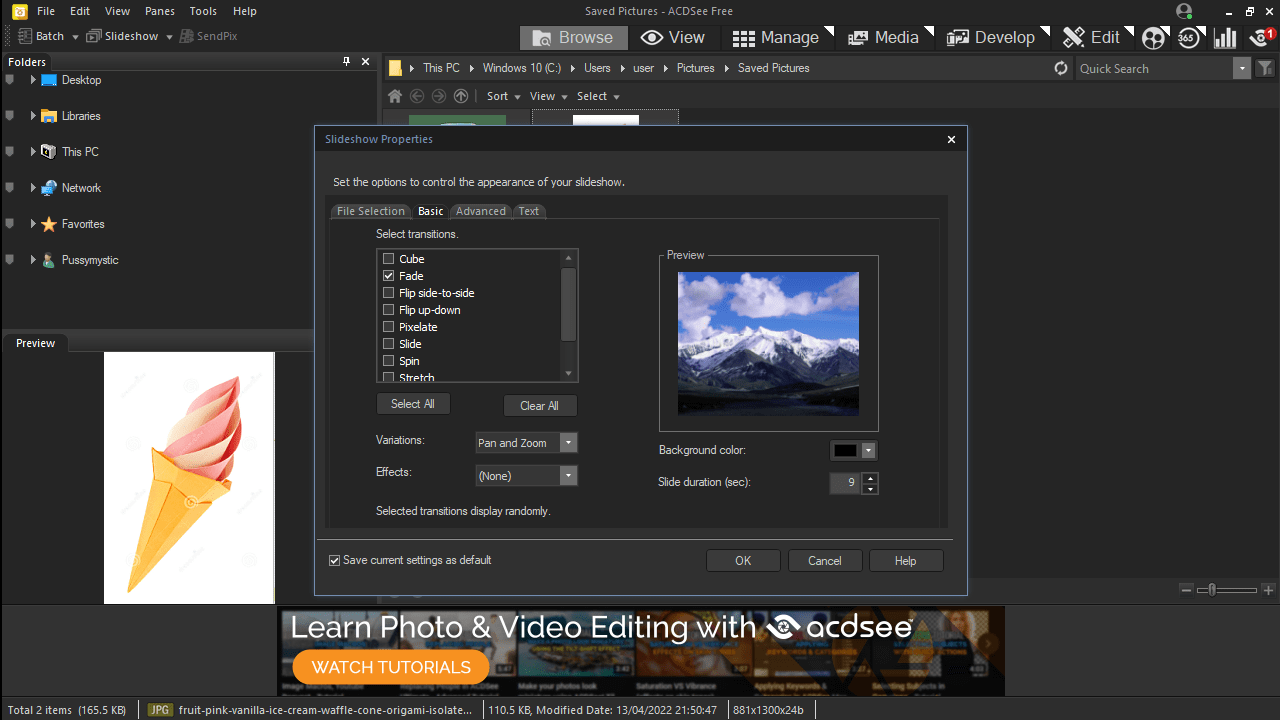
ACDSee is a straightforward Windows program that is aimed at users in need of a high speed image viewer that can also convert files to various formats, as well as to set pictures as wallpapers. While utilities like Adobe Camera Raw are great for managing and adjusting huge photo libraries, they are often slow and resource heavy. On the other hand, this application offers both portability with great performance.
Intuitive design
The software has a simple and plain graphical user interface which provides easy access to the main functions. All of the options are hidden inside a few menus and buttons that do not take much time to understand.
Supported formats
The main advantage of this tool comes from the support for a wide range of input formats that include:
- PNG;
- JPG;
- BMP;
- GIF;
- TIFF;
- EMF and others.
What is more, you are able to convert between these formats using the Save as function located in the first menu. Other highlights include the ability to run the program in fullscreen, customizable zoom and navigation controls. You can magnify images via the + and – keys or using the mouse scroll.
Configuration
As far as the Options are concerned, you can toggle the gamma correction, disable animations and set the app to stay on top of other windows, as well as configure resize scenarios.
Features
- free to download and use;
- compatible with modern Windows versions;
- gives you the ability to view images;
- supports a wide range of file formats;
- it is possible to set pictures as wallpapers.
43 Mb (downloads: 15)


